
IPTV UK · 4K · from £24.99
Vivid TV is an IPTV UK service with 34,000 live channels and 195,000 films and series in up to 4K. Pick a term from 3 to 24 months, pay once and watch on the TV, stick or phone you already own. Prices start at £24.99 and nothing renews by itself.
34,000 live channels
195,000 films and series
72-hour refund
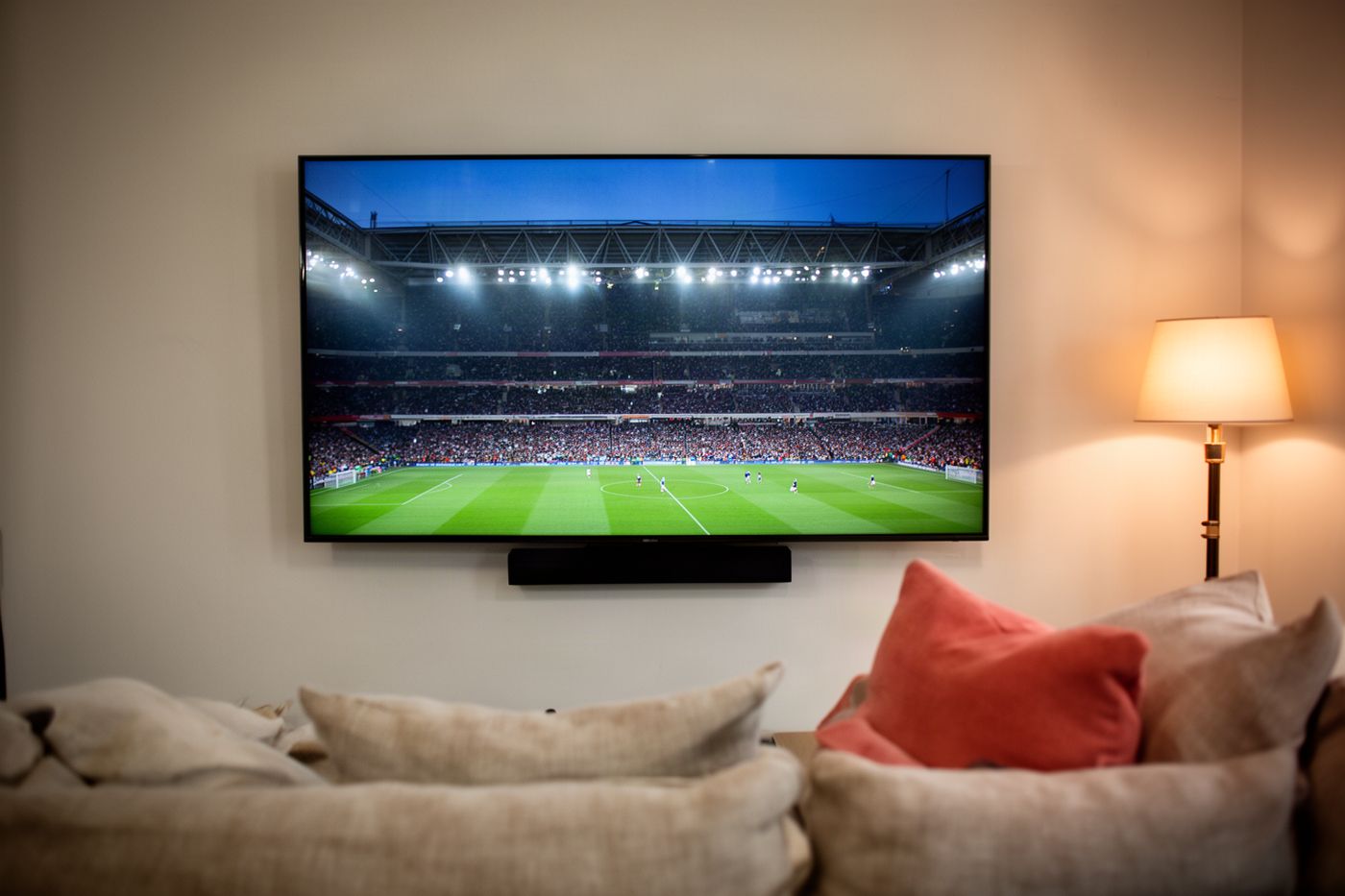
What you get
Every Vivid TV plan carries the same IPTV UK line-up: 34,000 live channels and 195,000 films and series, with picture quality up to 4K. The only thing that changes between plans is the length of the term, so the 3-month subscription unlocks exactly what the 24-month one does. There are no channel tiers and no add-on packs.
01
UK entertainment, news and documentary channels sit next to international feeds, sorted into folders so you are not scrolling through 34,000 names to find the evening news.
02
Live football, boxing, racing, cricket and motorsport feeds run in HD and 4K where the source provides it, including the Saturday 3pm kick-offs.
03
195,000 on-demand titles, from this year's releases to box sets you can finish in a weekend. Search by title or browse by genre.
04
A separate kids folder keeps cartoons and family films in one place, which is handy on a tablet in the back of the car.
Want the detail before you choose an IPTV UK plan? The IPTV subscription guide explains what is in a plan and how the login works.
IPTV UK plans
A Vivid TV IPTV subscription costs £24.99 for 3 months, £34.99 for 6 months, £49.99 for 12 months or £79.99 for 24 months. Each plan is a single payment for one connection, with the full channel list and film library included. The longer the term, the lower the price per day, from 27p down to 11p.
£24.99
27p a day · £8.33 a month
34,000 live channels
195,000 films and series
Up to 4K, 1 connection
No automatic renewal
£34.99
19p a day · £5.83 a month
34,000 live channels
195,000 films and series
Up to 4K, 1 connection
No automatic renewal
£49.99
14p a day · £4.17 a month
34,000 live channels
195,000 films and series
Up to 4K, 1 connection
No automatic renewal
£79.99
11p a day · £3.33 a month
34,000 live channels
195,000 films and series
Up to 4K, 1 connection
No automatic renewal
Here is the sum most IPTV UK buyers skip. Four 3-month plans in a row cost £99.96 across a year. One 12-month IPTV subscription costs £49.99, which leaves £49.97 in your pocket for the same twelve months of television.
If you have never used IPTV before, the 3-month plan is the cheap way to find out whether it suits your household. Every plan ends on its last day and never renews without you.
Why Vivid TV
People pick an IPTV provider on three questions: does it work at 8pm on a Saturday, is the price the real price, and can I get my money back if it does not work. Vivid TV answers them with one fixed price per term, no automatic renewal and a 72-hour refund if the service fails.
01
£24.99 to £79.99 depending on the term. No sign-up fee, no monthly direct debit, no renewal charge appearing on your statement next year.
02
34,000 channels and 195,000 titles whether you pay for 3 months or 24. Nothing is held back for a dearer package.
03
Films and major sport play in up to 4K on a 4K screen with a connection that can carry it.
04
Order, set it up and test a full evening and a weekend match. If the service does not work, or the fault is on our side, tell us within 72 hours of delivery and we refund you.
Comparing a few names first? Our guide to IPTV providers in the UK lists what to ask each one.
The basics
IPTV means television delivered over your internet connection instead of an aerial, a dish or a cable line. You install a player app on a TV, stick, phone or computer, enter the login from your provider, and the channels and films load inside that app. No engineer visits, nothing is drilled into the wall.
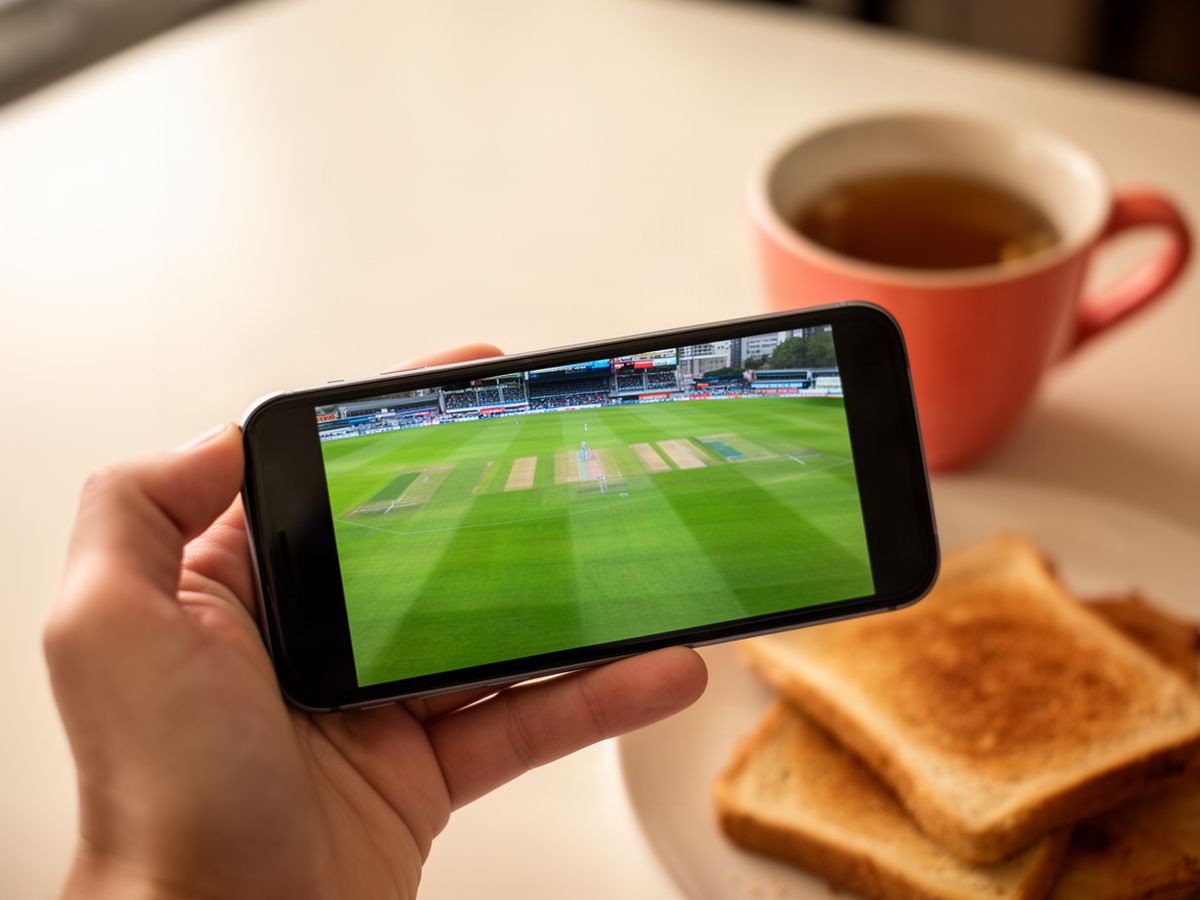
Your player app asks our servers for a channel and the picture arrives as a stream, the same way a catch-up app works. One HD channel needs about 10 Mbps of download speed and a 4K stream needs about 25 Mbps. Run a speed test on the TV itself, because the Wi-Fi in the lounge is often slower than the router's number.
Cable and satellite tie you to a box, a contract and one address. IPTV runs on equipment you own and follows you to a second home, a caravan or a hotel room with decent Wi-Fi. What you give up is the engineer and the 18-month contract.
Buyer's checklist
The best IPTV UK service is the one that passes your own test, not the one with the biggest channel number on its homepage. Use the seven checks below on any provider, including us, during the first 72 hours. They take one evening and one weekend afternoon, and they show you more than any review page will.
1
Watch a busy channel at 8pm on Saturday, when every provider is under the most load.
2
Open a live match at 3pm and leave it running for a full half without touching the remote.
3
Play a 4K film for ten minutes and look for the picture softening or stalling.
4
Change channel twenty times in a row and count how long each one takes to start.
5
Search for five films you would really watch, old and new.
6
Check the TV guide shows the right programme at the right time for UK channels.
7
Read the refund terms before you pay, and note the deadline.
Any best IPTV UK shortlist should survive those seven checks. If a service fails the first two, the rest of the list does not matter.
IPTV UK devices
Vivid TV works on Amazon Firestick, Samsung and LG Smart TVs, Android TV and Google TV, Apple TV, iPhone and iPad, Android phones, Windows and Mac computers, and MAG boxes. You install a player app, type in your login once, and the full IPTV UK channel list appears. Pick your device below for the exact steps.
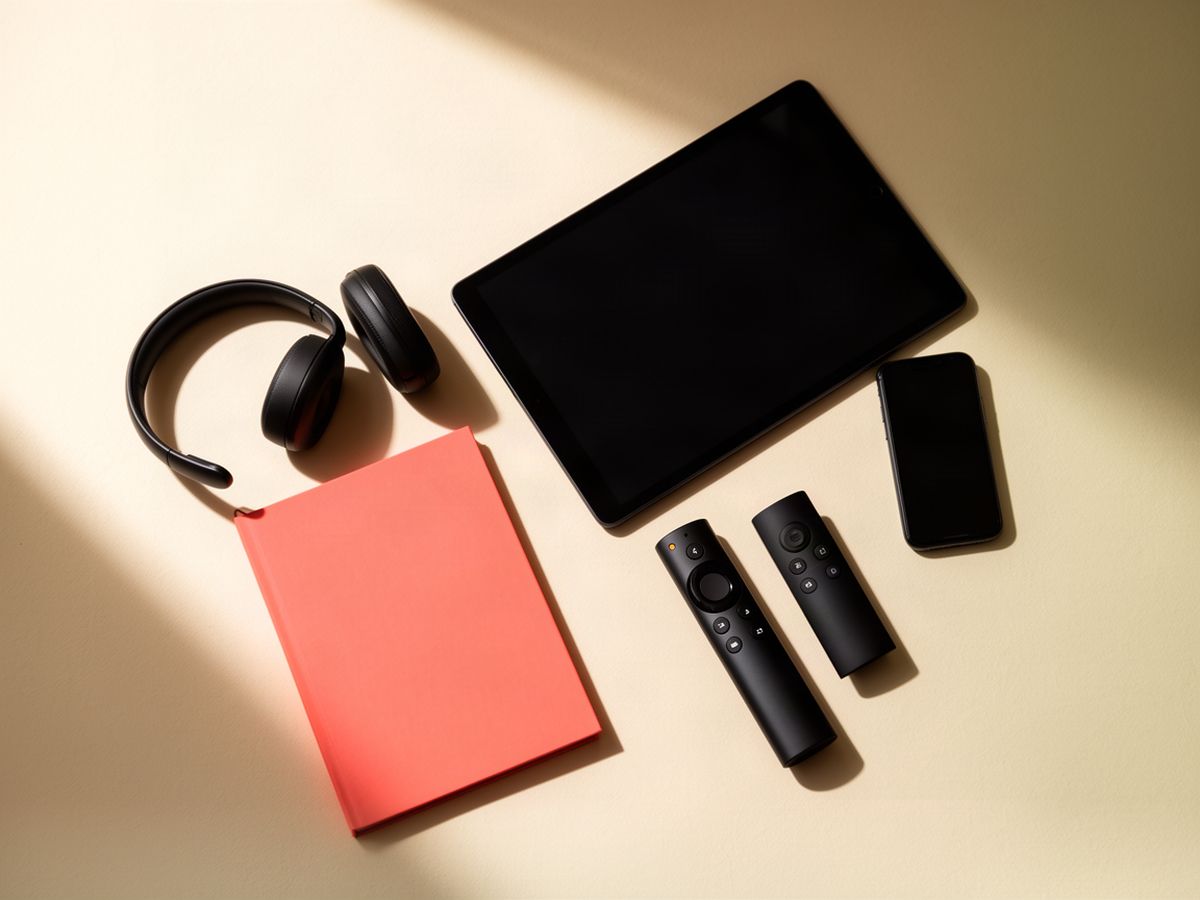
One thing to check before you buy a new stick: the latest Fire TV models run Vega OS, which does not allow apps from outside Amazon's store. The IPTV Firestick guide lists which models still do.
Hardware
Most homes do not need an IPTV box. A Smart TV made in the last six or seven years, or a £30 streaming stick, runs a player app without extra hardware. A separate box only earns its place when the television is too old for apps or its built-in Wi-Fi keeps dropping the stream.
Buy one if your TV has HDMI but no app store, if the set is slow to open apps, or if you want a wired network socket behind the TV. Our IPTV box guide compares the types and tells you which to skip.
Apps
The best IPTV player is the one built for your device's remote and screen, because a phone app stretched onto a television is miserable to use. On a Firestick or Android TV, choose a player designed for TV remotes. On Samsung and LG sets, use one from the TV's own app store. Phones and tablets take a touch-first player.
Device
What to look for in an IPTV player
Firestick, Android TV
Built for a remote, with a full TV guide grid and favourites
Samsung, LG Smart TV
Listed in the TV's app store, so there is nothing to sideload
iPhone, iPad, Android phone
Touch controls, picture-in-picture and casting to a TV
Windows PC, Mac
A desktop player that opens your login without a browser plug-in
Vivid TV works with every IPTV player app. Some are free and some charge a one-off fee, which is separate from your IPTV subscription. The IPTV player comparison names the ones we recommend for each device.

Screens
Each Vivid TV IPTV subscription includes one connection, which means one screen playing at a time. You can set the same login up on the lounge TV and on your phone, then watch on whichever you are in front of. To watch IPTV in two rooms at the same moment, the second screen needs its own subscription.
A typical case: the match is on downstairs while someone wants a film upstairs. That is two streams at once, so it needs two plans. If the household only ever watches one thing at a time, one plan covers every device you own.
Getting started
Starting a UK IPTV subscription takes three steps: choose a term, receive your login by email, and enter it in a player app on your device. Your login arrives within 10 minutes of your order, so most people are watching the same evening on the TV or stick already plugged in at home.
1
Pick 3, 6, 12 or 24 months and pay once by card. Every term has the same channels and films.
2
We activate your plan and email your login details within 10 minutes. Keep that email, because you will need it for each new device.
3
Open the player app, type the details in, and the channel list loads. The step-by-step installation guide covers every device.
IPTV UK compared
Most UK IPTV providers sell the same promise, so compare the terms instead of the adjectives. The table below sets Vivid TV against what a typical provider page offers on price, renewal, refunds and what is included. Where a competitor does better on a row, buy from them. We would sooner lose a sale than a customer.
What to compare
Vivid TV
Typical provider
Price shown
One fixed price per term
"From" price, extras at checkout
Renewal
Ends on the last day
Often renews automatically
Channels and films
34,000 and 195,000 on every plan
Split across packages
Picture quality
Up to 4K on every plan
4K on the top plan only
Refund
Within 72 hours if it does not work
Often none, or by negotiation
Connections
1 per subscription, stated up front
Rarely stated before you pay
Setup help
These IPTV UK guides cover the practical side of watching: getting a Firestick ready, deciding whether a box is worth buying, choosing a player and fixing a stream that stalls. Each one is written for a single job, so you can open the page you need, follow it and get back to the programme you were watching.
Which Fire TV models work, how to install a player and what to change in the settings first.
When a box beats the apps in your TV, and the specs that matter for 4K.
Players for each device, what they cost and how they handle a TV guide.
Four checks that separate a Wi-Fi problem from an account problem in five minutes.
Still deciding
If you are still comparing IPTV UK options, these four pages do the legwork. One sets out how to judge providers, one explains what separates a good service from a cheap login, and two cover buying: where the price traps are and what the lowest sensible price looks like. Read the one that matches your question.
The questions to put to any provider before you hand over a card number.
What a reliable service does differently at peak time, in plain terms.
How ordering works, what you receive and how fast, with no surprises at checkout.
Why 11p a day is realistic for IPTV UK and £1 a month is not, with the numbers.
Reviews
IPTV UK reviews are only useful when they describe a real evening: the device, the time of day and what was on. A review that says "great service, five stars" tells you nothing. Look for ones that mention a busy Saturday, a 4K film or a support reply, and check the date, because a service changes in six months.
Questions
The questions below are the ones UK buyers ask most before ordering an IPTV subscription: what it costs, which devices work, how fast the internet needs to be and what happens when the term ends. Each answer is short and uses the same figures as the rest of this page, so nothing changes at checkout.
Vivid TV costs £24.99 for 3 months, £34.99 for 6 months, £49.99 for 12 months and £79.99 for 24 months. Each price is a single payment with no extra fees.
Allow about 10 Mbps for an HD channel and about 25 Mbps for a 4K stream. Test the speed on the device you will watch on, not on a phone next to the router.
Yes. Install a player app, enter your login and the channel list loads. The newest Fire TV models running Vega OS only accept apps from Amazon's store, so check the model first.
No. Any TV with an HDMI port works once you plug in a streaming stick or a box. A Smart TV simply saves you the extra device.
No. Instead of a trial, every plan carries a 72-hour refund if the service does not work on your setup.
Email us within 72 hours of delivery with the address you ordered with and what is not working. If the service does not work, or the fault is on our side, we refund the payment.
By debit or credit card at checkout. It is one payment for the whole term, with no direct debit and no renewal.
No. Your subscription stops on its last day. If you want to carry on, you order a new term yourself.
One connection is included, so one screen plays at a time. You can set your login up on several devices and switch between them.
Yes, on every plan. You need a 4K screen, a device that outputs 4K and around 25 Mbps of download speed. Not every channel is broadcast in 4K at source.
Nine times in ten it is Wi-Fi. Move the stick away from the back of the TV, try a wired connection, or restart the router before anything else.
Yes. Your login works on any decent internet connection, so a phone on holiday or a laptop in a hotel will play as long as only one screen is in use.
After you order, we email your login details within 10 minutes. Enter them in your player app and you are in.
The 24-month plan is cheapest per day at 11p. The 12-month plan at £49.99 is the one most households will find easiest to justify.
Choose a term, pay once and start watching IPTV UK tonight: 34,000 channels and 195,000 films and series on the screen you already own. Your IPTV subscription ends on its last day, never renews by itself, and carries a 72-hour refund if it does not work. Twelve months costs £49.99, which works out at 14p a day.
Choose your plan