
Fix IPTV Problems
IPTV fast or slow: the internet speed you actually need
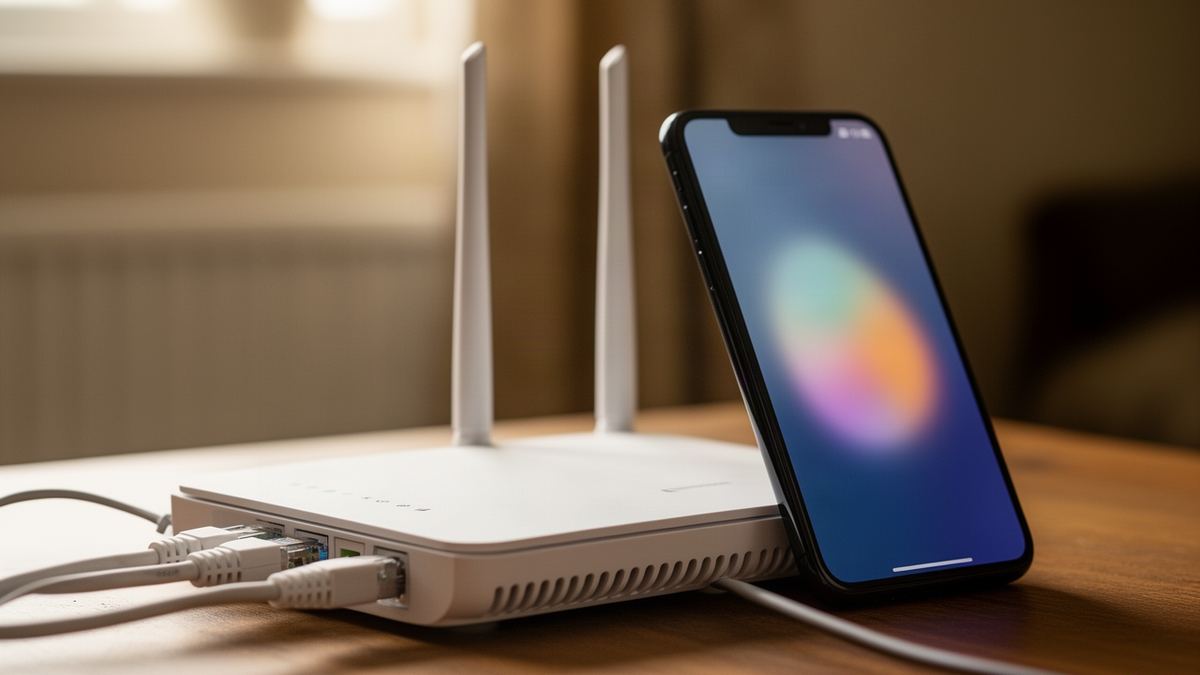
Short answer: IPTV needs 10 Mbps for HD and 25 Mbps for 4K, measured on the device you watch on. Most UK broadband packages are far above that at the router. A slow picture usually comes from the last few metres of Wi-Fi, so test at the television before you blame the line.
Whether you find IPTV fast or frustrating has less to do with your broadband package than most people think. Semrush counts about 140 UK searches a month for “iptv fast”, and when I searched for speed advice in November 2026 the first page was mostly seller blog posts quoting a single number. The numbers disagreed with each other, and hardly any page said where to measure.
Where you measure is the whole question. A speed is only useful if it is taken at the screen, at the time you watch.
How fast does your internet need to be for IPTV?
Your internet needs to deliver 10 Mbps to the device for an HD stream and 25 Mbps for a 4K stream. Those are the speeds Vivid TV publishes, and they are measured on the device you watch on. A package sold as 36 Mbps or more covers both on paper, provided that speed reaches the television.
Data use follows directly from bitrate: every 1 Mbps a stream uses costs 0.45 GB an hour. That is 1 megabit a second, times 3,600 seconds, divided by 8 and then by 1,000.
| Picture quality | Speed needed at the device | Most data it can use in an hour |
|---|---|---|
| HD | 10 Mbps | 4.5 GB |
| 4K | 25 Mbps | 11.25 GB |
| HD plus one other HD stream | 20 Mbps | 9 GB |
| 4K plus one other HD stream | 35 Mbps | 15.75 GB |
| 4K plus two other HD streams | 45 Mbps | 20.25 GB |
The data column is a ceiling, worked out as if the full speed were used all hour. Real streams sit below it. It is still the safe figure to plan with on a capped connection.
Notice what is missing from the table: download speeds of 500 or 900 Mbps. Past the figure you need, extra speed does not make a picture sharper or a channel load sooner. It only gives the rest of the household more room.
What makes IPTV fast or slow at home?
Four things decide whether you get IPTV fast and steady or slow and stuttering: the speed that reaches the device, how stable that speed is from second to second, the power of the device itself, and how busy the stream’s servers are. Only the last one is outside your control.
Stability matters more than the headline figure. A connection that averages 40 Mbps but drops to 3 Mbps for five seconds every minute will freeze a live channel, while a flat 12 Mbps plays HD all evening. A speed test shows you the average. The stream lives on the worst moment.
The device plays its part too. An old stick or a budget television can have plenty of speed arriving and still drop frames, because its processor cannot decode the video quickly enough. Slow menus are the usual warning sign. The IPTV installation guide for each device shows the setup for sticks, boxes, smart TVs and phones.
Then there is the far end. If your speed at the device is healthy and every channel still stalls, the cause is not in your house, and the checks in how to tell whether IPTV is down will confirm it in a few minutes.
Why is the speed at the TV lower than your broadband package?
The speed at the TV is lower because your package describes the line to the router, and the television is at the far end of a Wi-Fi link that loses speed with every wall and metre. The line is also shared: each phone and console in the house takes its part before the stream gets the remainder.
Think of it as a chain with four links. The provider’s network. The line into your home. The router. The wireless hop to the device. A stream runs at the speed of the weakest one, and in most homes that is the wireless hop.
Time of day moves the first link. Speeds dip in the evening, when most households in a street are online together, which is exactly when most television is watched. A test at 11am flatters the line.
Distance and walls move the last link. A router in a hallway cupboard and a television at the back of the house can turn a 67 Mbps line into 8 Mbps at the screen. That is under the HD figure, on a package that looked generous.
How do you test internet speed on the device you watch on?
Test on the device by opening a speed test in its web browser, or by installing a speed test app from its app store, and running it where the television normally sits. Do it in the evening. Compare the download figure with 10 Mbps for HD or 25 Mbps for 4K.
One test is a snapshot. A fair picture takes a few more:
- Run the test on the watching device at the time you usually watch, and note the download figure.
- Run it again five minutes later, because a single result can catch a lucky or unlucky moment.
- Run the same test on a phone held next to the router, using the router’s Wi-Fi.
- Compare the two places: a large gap means the Wi-Fi between them is the weak link.
- Repeat the device test on another evening before spending money on new equipment.
If both figures are low, the line is slow, and your broadband provider is the one to ask. If the router figure is high and the device figure is low, the fault is inside your home and is yours to fix.
Is 2.4 GHz or 5 GHz Wi-Fi better for IPTV?
5 GHz is better for IPTV when the device is in the same room as the router or one wall away, because it is faster and suffers less interference. 2.4 GHz reaches further and passes through walls more easily, so it can be the better choice for a television at the far end of the house.
The Wikipedia article on Wi-Fi sets out the trade. Lower frequencies have longer range and less capacity, and the 5 GHz bands are absorbed to a greater degree by common building materials. It also notes that equipment on 2.4 GHz can suffer interference from microwave ovens, and that Bluetooth devices and cordless phones use the same band.
| Question | 2.4 GHz | 5 GHz |
|---|---|---|
| How far does it reach? | Further | Shorter range |
| How well does it pass through walls? | Better | Absorbed more by building materials |
| How fast is it? | Slower | Faster, with wider channels |
| What interferes with it? | Microwave ovens and Bluetooth devices | Much less in a typical home |
| When should you use it? | Far rooms | Same room or next room |
Many routers give both bands one network name and choose for you. If your stream stutters, look in the router’s settings for an option to split the bands into two names, then connect the television to each in turn and run the speed test on both. Keep whichever gives the higher, steadier figure.
A cable beats both. If the device has an Ethernet port and the router is within reach, a wired link removes the wireless hop from the chain altogether.
Do powerline adaptors and mesh Wi-Fi help IPTV?
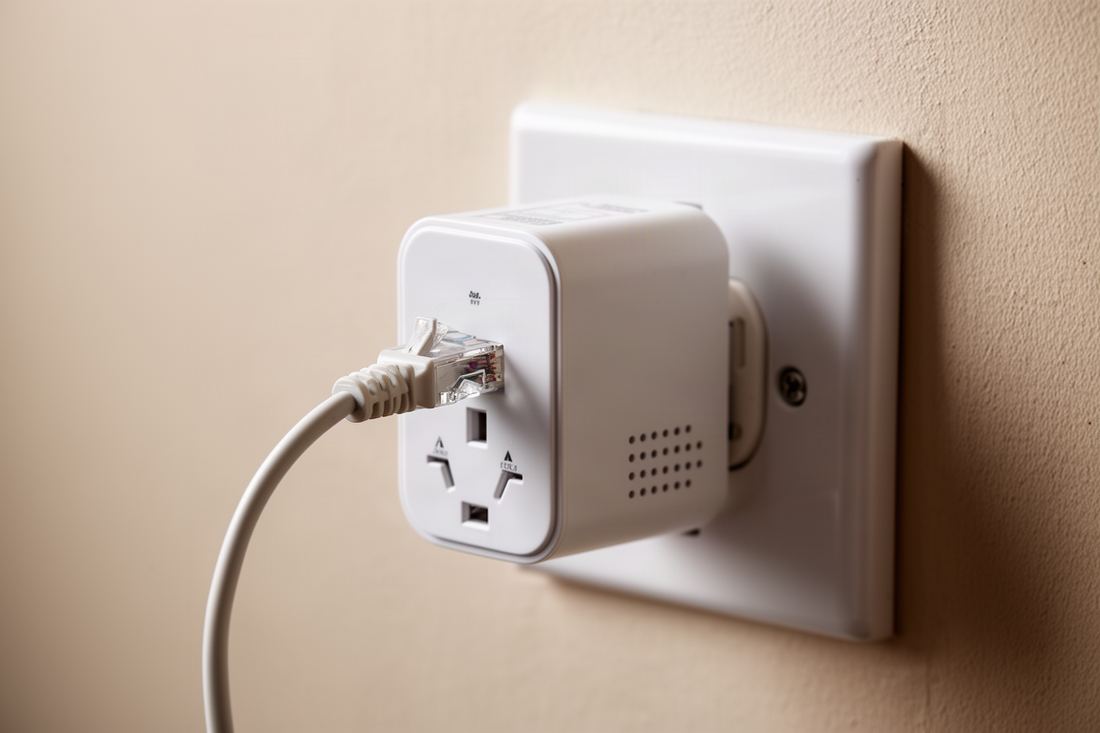
Both can help when a cable cannot reach the television. A mesh system places extra Wi-Fi points around the house, so the device connects to one nearby. Powerline adaptors send the network through your mains wiring. Mesh results are more predictable, while powerline speed depends heavily on the age and layout of the wiring.
Mesh is the safer buy for most homes. Put one point in the room with the television, or the room next to it, and the weak last link becomes a short one. Avoid placing a mesh point where the signal from the router is already poor, since it can only pass on what it receives.
Powerline is a gamble worth taking only if you can return the kit. Two sockets on the same ring can work well. Sockets on different circuits, or adaptors plugged into extension leads, often give a fraction of the speed on the box.
How much speed does a household need with other streams running?
Add the streams together. A 4K IPTV stream at 25 Mbps with two other HD streams at 10 Mbps each needs 45 Mbps at the same moment. With a fifth added as headroom, that is 54 Mbps. An all-HD household running the same number of streams needs 30 Mbps, or 36 Mbps with headroom.
The headroom covers everything that is not a stream: phones syncing photos or a laptop on a video call. None of it is large, but it arrives in bursts, and a live channel has no slack to absorb a burst.
With one connection on a Vivid TV plan, only one screen plays IPTV at a time, so the IPTV part of your sum is always a single stream. The other streams in the house are whatever else your family watches.
What decides how fast IPTV channels change?
Channel change speed depends mostly on the player app and the device, not on your broadband. When you press a button, the app has to open a new stream and download its first segments before the decoder starts. Once you have the 10 or 25 Mbps the picture needs, more speed barely shortens that wait.
What does shorten it is a quicker device and a lighter app. A box with a faster processor starts the decoder sooner. A player with a smaller buffer setting shows the picture earlier, at the cost of less protection against stalls.
A very long channel list also slows the menus, even though it does not slow the stream. Hiding the categories you never open makes the app feel quicker. If channel changes have become slow all of a sudden, the page on fixing IPTV when it is not working covers clearing the app’s cache and refreshing the list.
Does upload speed matter for IPTV?
No. Watching IPTV is almost entirely download: the video travels to you, and your device sends back only tiny requests for the next piece. Upload speed matters for video calls and cloud backups, where your own device is the one sending. A stream asks for nothing like that, so the upload figure on your package can be left out of the decision.
The one indirect link is a household upload that is completely full. A laptop pushing a large backup to the cloud can make the whole connection sluggish, downloads included, on some lines. Pause the backup. The stream recovers.
So ignore the upload figure when judging whether you will get IPTV fast enough for 4K. Read the download figure, at the device, in the evening.
Frequently asked questions
What internet speed do I need for IPTV?
10 Mbps for HD and 25 Mbps for 4K, measured on the device you watch on. Add 10 Mbps for each other HD stream running in the house at the same time.
Is 50 Mbps fast enough for IPTV?
Yes, if that speed reaches the television. 50 Mbps covers one 4K stream and two other HD streams with a little to spare, but a weak Wi-Fi link can cut it to a fraction.
Why is my IPTV slow when my broadband is fast?
The package speed describes the line to the router. Wi-Fi distance and walls reduce what arrives at the television, and the stream runs at that lower figure.
Does faster broadband make IPTV channels load quicker?
Not once you have the 10 or 25 Mbps the picture needs. Channel changes depend on the player app and the device’s processor.
Should I use Ethernet or Wi-Fi for IPTV?
Ethernet if you can, because a cable is steady and removes the wireless link. On Wi-Fi, use 5 GHz near the router and 2.4 GHz for far rooms.
Does upload speed affect IPTV?
No. IPTV uses download almost exclusively, and a player sends back only small requests for the next piece of video.