
IPTV Basics
How to get IPTV: from choosing a device to watching tonight
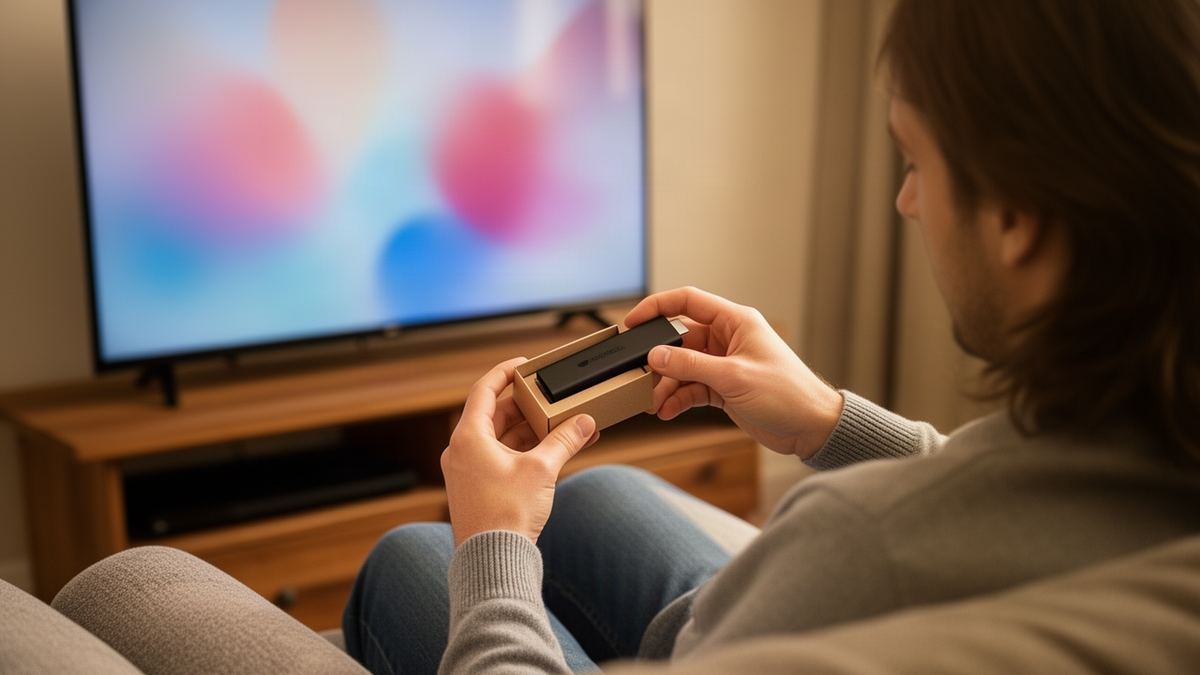
Short answer: Test your broadband speed on the device you will watch on, then choose a subscription term and wait for the login to arrive by email. Install a player app with that login and use the first 72 hours to check everything properly. Most homes need no new hardware.
Semrush counts about 140 UK searches a month for “how to get iptv”, and when I ran that search in November 2026 the results were mostly ranked lists of providers, with the actual steps buried near the bottom. This article does the reverse. Steps first, in the order you would do them on a free evening.
Have two things within reach before you start: the remote for the device you plan to use, and the email inbox you will give when you order.
How to get IPTV in the UK: the 5 steps
Getting IPTV takes five steps: check your speed where the television sits, pick a device you already own, choose a subscription term, receive your login by email, and install a player app to sign in. The whole job fits inside an evening, and the only waiting is for the email.
- Run a speed test on the device you will watch on and note the download figure.
- Decide which device will be your main screen, starting with what is already in the house.
- Choose a term and pay once by card.
- Open the email that arrives with your login details.
- Install a player app on the device, enter the login and let the channel list load.
If you only wanted the short version of how to get IPTV, that list is it. The sections below take each step in turn.
Newcomers who want the background first can read the pillar guide on what IPTV is and how it differs from aerial and satellite, then come back here.
What do you need before you can get IPTV?
You need a broadband connection of at least 10 Mbps at the television, a device that runs apps, an email address you can open tonight and a payment card. You do not need a dish, an aerial, an engineer or a contract with a particular broadband provider. A phone is handy for testing but not required.
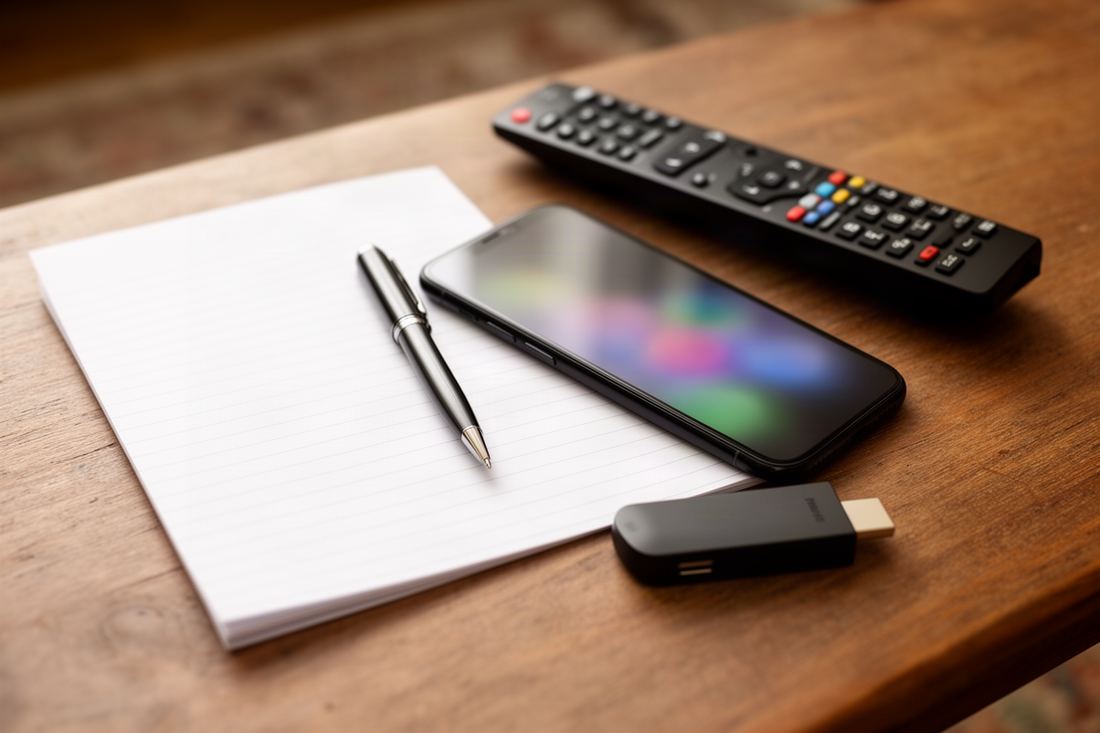
- Check that your broadband plan has no data cap, because an HD stream uses several gigabytes an hour.
- Find the remote for your streaming stick or smart TV and confirm the device still receives updates.
- Open your email on a phone or laptop so the login is easy to copy from.
- Note the MAC address from the label if you plan to use a MAG box.
How do you check your broadband is fast enough for IPTV?
Run a speed test on the device you will watch on, in the room where it lives, in the evening. You are looking for 10 Mbps or more for HD and 25 Mbps or more for 4K. A test on a phone standing next to the router tells you what the line delivers, not what reaches the television.
Many streaming sticks and smart TVs have a web browser or a free speed test app in their store. Run the test twice, a few minutes apart, and take the lower figure.
Timing matters. A line that measures 60 Mbps at 11am can sag at 8pm when the household is streaming and gaming at once. So test more than once, at different times of day, and use a wired connection when you want the most accurate reading.
If the figure at the television is far below the figure at the router, the weak link is Wi-Fi. Google’s own help page on how to troubleshoot a streaming device’s connection recommends the 5 GHz band where the router offers it, and a router within 20 feet of the device. An Ethernet adaptor removes the question entirely.
| Result at the television | What it means | What to do |
|---|---|---|
| Under 5 Mbps | Too slow for steady HD | Fix Wi-Fi or use a cable first |
| 5 to 10 Mbps | HD may stall at busy times | Move the router or switch to 5 GHz |
| 10 to 25 Mbps | Fine for HD | Go ahead |
| Over 25 Mbps | Fine for 4K | Go ahead |
| Varies wildly between tests | Unstable Wi-Fi | Try a cable before you order |
Which device should you use to get IPTV?
Start with a device you already own. A Fire TV Stick, a Google TV or Android TV set, an Apple TV, a recent Samsung or LG smart TV, a phone, a tablet or a computer can all run an IPTV player app. Buy something new only if the device you have is slow or no longer updated.
Smart TVs from Samsung and LG work too, with a smaller choice of apps, since Tizen and webOS have their own stores. Some players on those stores charge their own one-off activation fee, which is separate from the subscription. Check the app’s listing before you rely on it.
How do you choose an IPTV subscription term?
Choose the term by how sure you are. A short term costs more per month and commits less money. A long term is cheaper per day and makes sense once you know the service suits your home. With Vivid TV all four terms include the same 34,000 live channels and 195,000 films and series.
| Term | Price | Per month | Per day |
|---|---|---|---|
| 3 months | £24.99 | £8.33 | 27p |
| 6 months | £34.99 | £5.83 | 19p |
| 12 months | £49.99 | £4.17 | 14p |
| 24 months | £79.99 | £3.33 | 11p |
The sums are easy to check: £49.99 divided by 365 days is 13.7p. Two 6-month terms back to back would cost £69.98, which is £19.99 more than buying 12 months once.
Payment is a single card charge. There is no automatic renewal, so the plan stops on its last day and you decide then whether to buy another.
Anyone comparing iptv subscription uk offers should read four lines of each one before paying: the total price for the term, whether it renews without asking, how many screens can play at once, and what the refund terms are. Vivid TV includes one connection, meaning one screen plays at a time, though you can install the login on several of your own devices.
It helps to glance at what you are buying as well. The article on IPTV channels and how they are grouped explains what a line-up of that size looks like inside a player.
What happens after you order an IPTV subscription?
After you order, the provider creates your account and sends the login by email. With Vivid TV that email arrives within 10 minutes of ordering. It contains the login details you will type into a player app. Nothing is posted, and there is no box to wait for.
Check the spam folder if ten minutes pass with nothing in the inbox.
Keep that email. You will want it again when you add a second device or replace a stick, and searching your inbox is quicker than writing to support. Vivid TV support is by email only, so a clear message with your order email address in it gets you furthest.
There is no free trial to start first. In its place, Vivid TV refunds within 72 hours of delivery if the service does not work or the fault is on our side.
How do you install an IPTV player and sign in?
Install an IPTV player from your device’s app store and choose to add a new profile or playlist. Type in the login details from your email exactly as written, including capital letters. The app then downloads the channel list and the programme guide, which can take a minute or two the first time.
The login works in every IPTV player app, so pick one that suits your device. IPTV Smarters Pro and TiviMate are common on Android-based sticks and boxes, and other platforms have their own favourites.
- Install the player app from the official store on your device.
- Open it and select the option to add a profile or playlist.
- Enter the login details from the email, character for character.
- Wait for the channel list and guide to finish loading.
- Open a channel you know well and leave it playing for five minutes.
Typing errors cause most first-night failures. A capital O and a zero look alike on a television screen, and so do a lower-case L and a capital I.
Menu names differ from one device to the next, and some devices need an extra step before an app can be installed. The IPTV installation guide for every device has the exact route for each one.
What should you test in the first 72 hours?
Use the first 72 hours as a structured test, because that is the refund window. Watch at the times you normally watch, on the device you normally use. Include one busy evening. A service that plays well on a Tuesday afternoon has not yet shown you how it behaves on Saturday at 8pm.
| When | What to test | What a pass looks like |
|---|---|---|
| First evening | Ten channels you would actually watch | Each opens within a few seconds |
| First evening | One film from the library | Plays and skips forward cleanly |
| A weekday at 8pm | An HD channel for 30 minutes | No more than a brief stall |
| A weekend peak | A live sports channel | Steady picture throughout |
| Any time | The programme guide | Correct titles on your main channels |
| Any time | A second device | Login works there when the first is stopped |
“Stalled twice at 8.15pm on Saturday, HD channel, living room stick” is a report that support can act on.
If something stalls, find out which side the fault is on before you write in. Play the same channel on a phone using mobile data. Clean playback there points at your home network, and stalls there point at the service. The article on what an IPTV server does explains why that test works.
How do you get IPTV on a MAG box?
A MAG box does not use a player app, so the order is slightly different. You send the box’s MAC address with your order, and you receive a portal address by email. You then type that portal address into the box’s server settings and restart it. Vivid TV supports MAG boxes this way.
The MAC address is printed on a label on the box. Copy it carefully, since a single wrong character ties the account to a box that does not exist.
What mistakes do beginners make when getting IPTV?
The common mistakes people make while working out how to get IPTV are testing speed in the wrong room, buying hardware before trying what they own, choosing the longest term on day one and mistyping the login. Each one is cheap to avoid. Slowing down at the two moments that matter, the speed test and the login screen, prevents most first-night trouble.
- Measure speed at the television, not beside the router.
- Try your existing stick or smart TV before ordering a new box.
- Start with a term you are comfortable with, then extend once the service has proved itself.
- Copy the login from the email instead of typing it from memory.
- Test during a busy evening while the refund window is open.
Frequently asked questions
How do I get IPTV on my TV?
Install an IPTV player app on the TV or on a streaming stick plugged into it, then enter the login your provider emails you. The channel list loads by itself.
Do I need a box to get IPTV?
No. A streaming stick, a smart TV, a phone or a computer can run a player app. A dedicated box is optional.
How long does it take to get IPTV set up?
Allow one evening. With Vivid TV the login arrives within 10 minutes of ordering, and installing a player and signing in is a short job after that.
What internet speed do I need to get IPTV?
Plan for 10 Mbps for HD and 25 Mbps for 4K, measured on the device you watch on.
Can I try IPTV before paying for a long term?
Vivid TV has no free trial. You can buy the 3-month term first, and a refund applies within 72 hours of delivery if the service does not work or the fault is on our side.