
IPTV Devices
Best device for IPTV: sticks, boxes, consoles and TVs compared
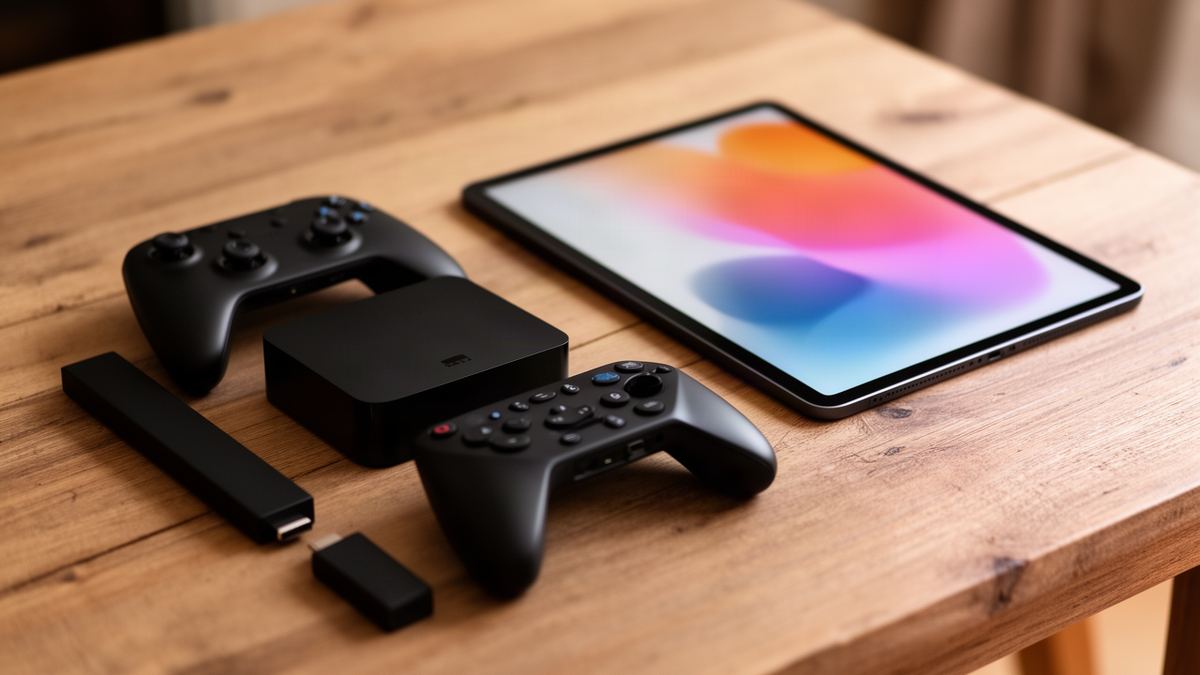
Short answer: The best device for IPTV in most UK homes is a 4K streaming stick or a certified Android TV box on the main television, because both run the widest choice of player apps. Apple TV 4K is the pick in an Apple household. The TV’s own app is fine for a second room.
Semrush counts about 140 UK searches a month for “best device for iptv”, and the results are not much help. When I searched the phrase in November 2026, the first page was mostly blogs run by subscription sellers, plus a couple of tech review publishers ranking named boxes by price.
None of the summaries I read compared the device families side by side. This page does that. Seven families scored on four criteria, with a table at the end that matches a device to a household.
What is the best device for IPTV in a UK home?
The best device for IPTV on a living-room television is a 4K streaming stick or a certified Android TV box. Those two families install the widest range of player apps and take minutes to set up. Apple TV 4K matches them in an Apple household. Every other option is a compromise that suits one room or one budget.
Seven device families can play an IPTV subscription. The table scores them on the four things that change what you see on screen.
| Device family | Player choice | Wired network | 4K | Setup effort |
|---|---|---|---|---|
| Streaming stick | Wide on Fire OS and Google TV, narrow on Roku | Usually by adapter | On 4K models | Low |
| Android TV or Google TV box | Widest | Often built in | On 4K models | Low |
| Apple TV 4K | Good, App Store only | Built in on the Ethernet version | Yes | Low |
| Smart TV app | Narrow | The TV’s own port | On a 4K set | Lowest, nothing to buy |
| Games console | Narrow | Built in | On 4K consoles | Medium |
| MAG box | One built-in portal | Built in | On current models | Medium |
| Phone, tablet or computer | Wide | Wi-Fi or mobile data | Limited by the screen | Low |
Read it by column. If the router is two rooms away, the wired column matters most. If a less technical relative will use the remote, the last column does.
What makes one IPTV device better than another?
Four things separate a good IPTV device from a frustrating one: how many player apps it can install, whether it has a wired network port, whether it decodes 4K, and how much effort setup takes. Processor speed and storage matter less than shop listings suggest, because a player app is small and the stream arrives already compressed.
Use these checks on any device before you pay for it:
- Open the device’s app store listing first, because a device with one or two players leaves you stuck if that player is withdrawn or starts charging.
- Prefer a wired port for the main television, since a cable removes Wi-Fi from the list of suspects whenever the picture stalls.
- Match 4K to the screen, because a 4K device on a 1080p television still shows 1080p.
- Count the steps from box to picture, as someone who cannot reinstall an app will phone you each time it logs out.
Speed is rarely the limit. Vivid TV publishes 10 Mbps for HD and 25 Mbps for 4K, measured on the device you watch on. A basic 100 Mbps network port carries four times the 4K figure, so a gigabit port is a nicety for IPTV and nothing more.
Is a streaming stick good enough for IPTV?
A 4K streaming stick is good enough for IPTV in most homes, and it is the cheapest route to a wide choice of players. It plugs into an HDMI port, takes power over USB and connects by Wi-Fi. Its weak points are the missing network port and a small amount of storage.
Sticks split by operating system, and the system decides which players you can install. Fire OS and Google TV are both built on Android and have large app stores. Roku runs its own system with a smaller store, so check for a player before you commit; the walkthrough for IPTV on a Roku stick shows what works there.
Amazon complicates things. Its newer sticks can ship with Vega OS, a separate system with its own app format, while older and current Fire OS models stay Android-based. Read the product page for the operating system before buying. If the model in your basket turns out to be the wrong one, there are several alternatives to a Firestick for IPTV at similar money.
Hardware is modest across the family. Google lists its Chromecast with Google TV (4K) at 2 GB of memory and 8 GB of storage, with Ethernet only through a separately sold power adapter. That runs one player comfortably. Fill it with twenty apps and it slows.
When is an Android TV box worth the extra money?
An Android TV box is worth the extra money when the main television sits far from the router or when several people use it every evening. A box has space for a built-in network port and more memory, and neither fits easily inside a stick the size of a thumb. You also get a cable connection without adapters.
Google’s own range shows the gap. Its published specifications give the Google TV Streamer (4K) 4 GB of memory, 32 GB of storage and a built-in gigabit Ethernet port. That is double the memory and four times the storage of the Chromecast stick it replaced, in a box that sits under the television.
Certification matters more than the processor. A box sold as “Android” may run the phone version of the system with a television skin on top, and those often miss updates and remote-friendly menus. The full checklist, from memory to frame-rate switching, is in the article on choosing an Android TV box for IPTV.
Is Apple TV a good IPTV device?
Apple TV 4K is a strong IPTV device for anyone who already carries an iPhone. Players install from the App Store, and typing a long login is painless because the phone offers its keyboard. The trade-offs are a higher price than a stick and no way to install apps from outside the store.
Check the version before you order. Apple’s model list shows the Apple TV 4K (3rd generation) in two versions: a Wi-Fi model with no network port, and a Wi-Fi + Ethernet model with a gigabit port and more storage. For a main television, the second is the one I would choose.
Picture settings reward five minutes of attention. Apple’s Match Content options let the box follow the frame rate and dynamic range of whatever is playing, which smooths out motion on live channels. The steps are in the guide to Apple TV IPTV setup.
Can you use a smart TV app instead of a separate device?
Yes. A Samsung or LG smart TV can run an IPTV player from its own app store, which means one remote and nothing more to buy. The catch is choice. Tizen and webOS are not Android, so the long list of Android players is unavailable, and some TV players charge their own activation fee.
That makes the built-in app a sensible choice for a bedroom or kitchen set and a weaker one for the main screen. You get whatever players the manufacturer’s store carries this year. If your favourite disappears, there is no second route in.
Age is the other limit. A television from several years ago may stop receiving app updates long before the panel wears out. A stick in a spare HDMI port fixes that for little money. To see which players exist on Tizen, start with the comparison of IPTV apps for a Samsung TV.
Does a games console work as an IPTV device?
An Xbox works as an IPTV device because the Microsoft Store lists several players as available on Xbox consoles, and the console already has a wired network port and 4K output. It makes sense when the console is under the television anyway. As a device bought only for television, it is expensive and power-hungry.
The power figure is the part most guides skip. Microsoft’s own energy table puts an Xbox Series X at 48 W while streaming in UHD and a Series S at 31 W. Four hours an evening on a Series X comes to about 70 kWh over a year, far more than a stick running off a small USB adapter would draw.
Player choice is narrow, and a controller is clumsier than a remote for channel hopping. Setup steps and the players I could confirm are in the guide to IPTV on an Xbox. I could not verify an equivalent player on other consoles, so they are left out here.
Is a MAG box still worth buying for IPTV?
A MAG box is worth buying if you want a dedicated set-top box that starts straight into live television with a traditional channel guide. It is a poor choice if you want apps as well. Most MAG models run Linux with no app store, and the box connects to one service at a time through a portal address.
Infomir, the maker, currently lists Linux models with 4K and HEVC support alongside one model running Google TV. The Linux boxes identify themselves by MAC address, a code printed on the underside. With Vivid TV, you send that MAC address with your order and receive a portal address by email.
The appeal is simplicity for the viewer. No app to open and no login screen, on a remote with number keys. The cost is flexibility, since a new service means a new portal. The full procedure is in the MAG box IPTV setup article.
Can a phone, tablet or computer be your IPTV device?
Yes, and for many people a phone is the second IPTV device without costing anything. Player apps exist for iOS, Android, Windows and macOS, and the same login works on each. The limits are the small screen and, away from home Wi-Fi, how much mobile data an hour of viewing consumes.
The data sum is simple: megabits per second multiplied by 0.45 gives gigabytes per hour. A 5 Mbps stream uses 2.25 GB an hour, and a 10 Mbps HD stream uses 4.5 GB. A football match with extra time on mobile data can eat a monthly allowance in one sitting.
Remember that one connection means one screen playing at a time. Stop the television before you start the phone. For handsets, the steps are in IPTV on an iPhone. Laptop viewers on Apple hardware can compare IPTV players for a Mac instead.
Which device is best for IPTV on a budget?
The cheapest IPTV device is the one already in the house: a smart TV app or a console you own costs nothing extra. If you have to buy, a 4K streaming stick on Fire OS or Google TV is the lowest-priced device with a wide choice of players. Spend more only for a network port.
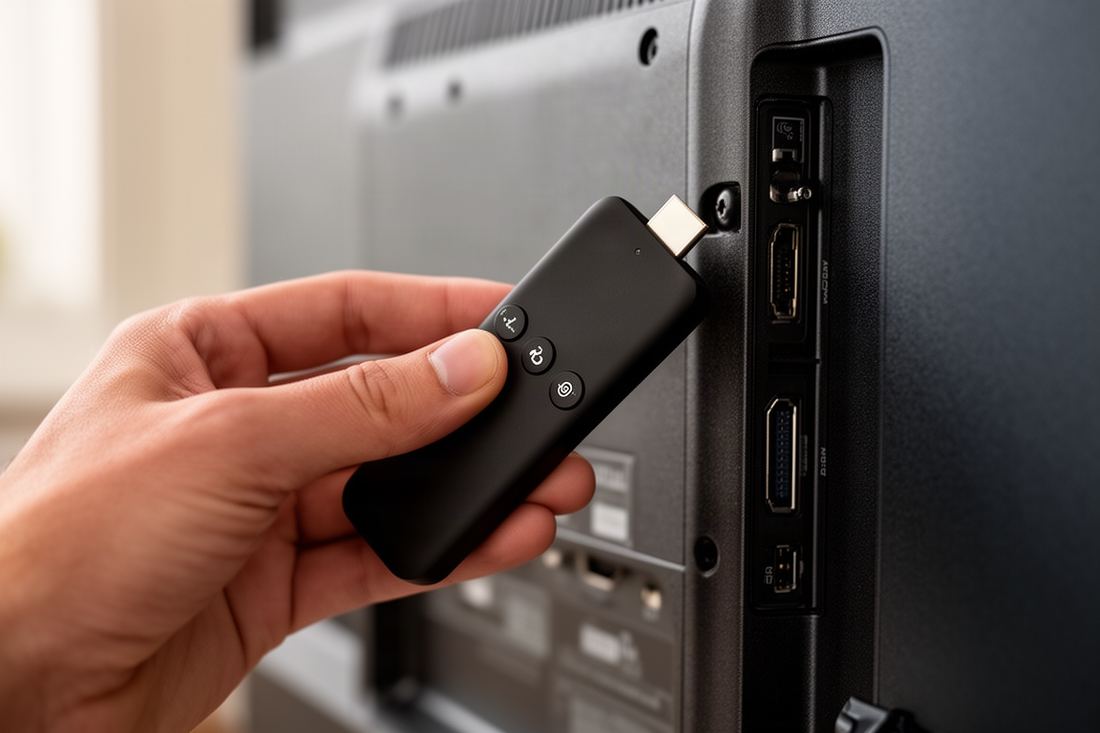
Put the hardware in proportion. A 12-month Vivid TV plan is £49.99, which is 14p a day, and the 24-month plan works out at 11p. A device that outlasts both plans adds only pennies a day, so buying the cheapest possible box to save a few pounds is a false economy if it stutters.
Avoid paying for two devices at once. One connection plays on one screen at a time, so a second stick for the bedroom only helps if nobody watches downstairs at the same moment.
Which IPTV device suits your household?
Match the device to the room and the people, not to a ranking. A shared living-room screen deserves the most capable device with a cable to the router. A bedroom set can use whatever is built in. The table below pairs six common households with the device family I would start with.
| Household | Start with | Reason |
|---|---|---|
| Family sharing one main television | Android TV or Google TV box | Wired port and the widest player choice |
| Flat with the router beside the television | 4K streaming stick | Cheapest capable option, Wi-Fi is strong there |
| Home full of Apple devices | Apple TV 4K with Ethernet | Phone keyboard and App Store players |
| Console already under the television | Xbox with a Store player | Nothing to buy, wired and 4K ready |
| Older relative who wants channel numbers | MAG box | Boots into live television with a simple remote |
| Second room or occasional viewing | Smart TV app or a tablet | Free, and good enough for a small screen |
The device is half of the result. The other half is the service feeding it, and anyone weighing up best iptv uk options should confirm the login works in ordinary player apps and not in one locked box. Vivid TV’s login works in every IPTV player app, arrives by email within 10 minutes of ordering, and covers 34,000 live channels and 195,000 films and series in up to 4K.
Frequently asked questions
Do I need an IPTV box if I have a smart TV?
No. A smart TV can run a player app from its own store. A separate stick or box only becomes worthwhile when the TV’s store lacks the player you want or the set has stopped receiving updates.
Is a Firestick or an Android TV box better for IPTV?
Both run Android-based players, so the picture is the same. A box usually adds a wired network port and more memory, which helps on a busy main television. A stick costs less and suits a room with strong Wi-Fi.
What internet speed does an IPTV device need?
Vivid TV publishes 10 Mbps for HD and 25 Mbps for 4K, measured on the device you watch on. Run a speed test on that device, not on a phone next to the router.
Can I use one IPTV subscription on two devices?
You can install the login on several of your own devices. With one connection, only one screen plays at a time, so stop the first device before starting the second.
Does the device change the picture quality?
Only at the edges. The stream sets the resolution, and the device has to decode it and send it to the television at the right frame rate. A 1080p stick on a 4K set will cap the picture at 1080p.
Does an IPTV device need a wired connection?
No, but a cable is the most reliable link for a main television. Wi-Fi is fine when the router is in the same room or the device supports the 5 GHz band with a clear signal.