
IPTV Devices
Apple TV IPTV: how to set it up and get the best picture
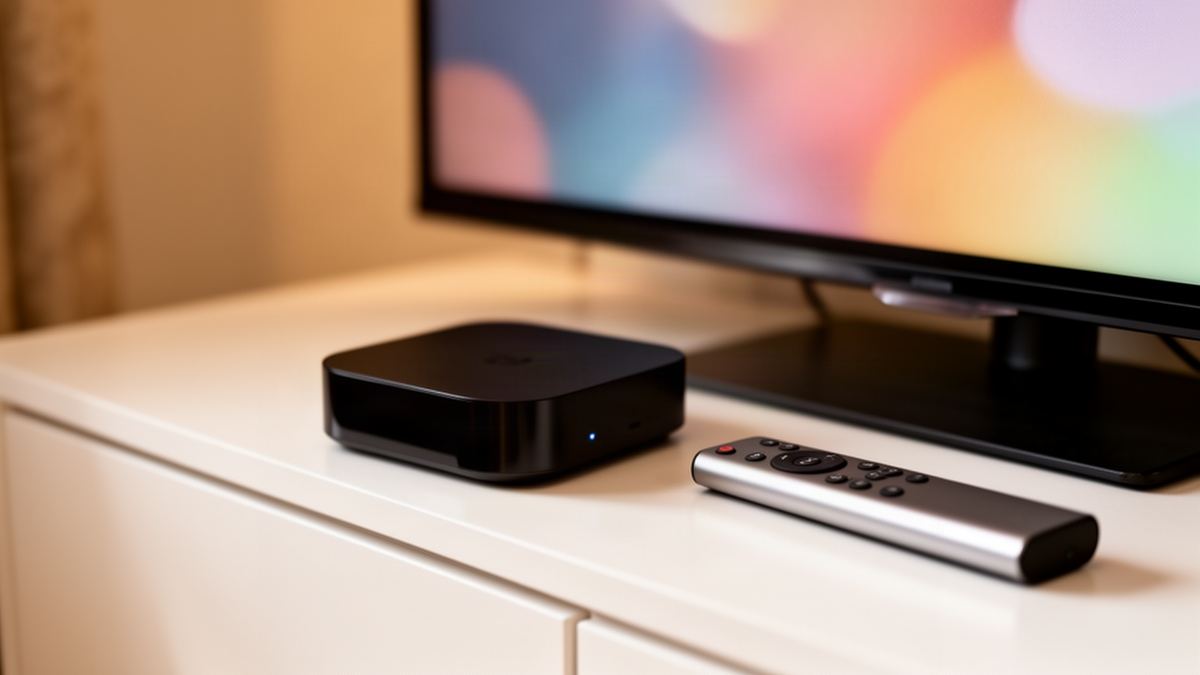
Short answer: Apple TV IPTV works through a player app from the App Store: install one and enter the login details from your provider’s email. Apple TV HD and every Apple TV 4K can do it. Turn on Match Frame Rate afterwards for smoother live television.
Semrush counts about 70 UK searches a month for “apple tv iptv”. When I ran the search in November 2026, the results were mostly install pages on subscription sellers’ blogs, each pushing one app, with App Store listings mixed in.
The result summaries I read said little about which Apple TV generations still qualify, or about the picture settings Apple keeps three menus deep. Those two gaps are where this article spends its time.
How does Apple TV IPTV work?
Apple TV IPTV works by pairing two things: a player app from the App Store and a subscription login. The player is an empty shell with no channels of its own. You type in the login details from your provider’s email, the app downloads the channel list, and playback starts over your home internet connection.
That split matters when something goes wrong. A blank channel list is usually a login typo. A picture that stutters is usually the network or a picture setting. The app itself is rarely the culprit, and swapping to a second player is a quick way to prove it.
The same login is not tied to the box. It also works on a phone or a laptop, with one condition: on a single connection, one screen plays at a time.
Which Apple TV models work with IPTV?
Apple TV HD and every generation of Apple TV 4K work with IPTV, because all of them have the App Store. The Apple TV (3rd generation) from 2012 and anything older cannot install apps, so they are out. Among the working models, the differences that matter are 4K output and the network port.
Apple’s model identification page lists them like this:
| Model | Year | Network port | 4K |
|---|---|---|---|
| Apple TV 4K (3rd generation) Wi-Fi + Ethernet | 2022 | Gigabit Ethernet | Yes |
| Apple TV 4K (3rd generation) Wi-Fi | 2022 | None | Yes |
| Apple TV 4K (2nd generation) | 2021 | Gigabit Ethernet | Yes |
| Apple TV 4K (1st generation) | 2017 | Gigabit Ethernet | Yes |
| Apple TV HD | 2015 | 10/100 Ethernet | No, 1080p |
To find yours, open Settings, then General, then About, and read the model number. A1625 is the Apple TV HD. A2737 is the 2022 box without a network port, and A2843 is its Ethernet sibling with 128 GB of storage against 64 GB.
Age shows in software too. At the time of writing, Apple’s tvOS guide lists the newest tvOS as an update for Apple TV 4K (2nd generation) and later. Older boxes keep running the players they have, but check each app’s minimum tvOS before relying on one.
Which IPTV player apps are on the Apple TV App Store?
Several IPTV players are in the tvOS App Store, and you only need one. I could confirm two at their official listings: VLC, which is free and open source, and Smarters Player Lite, which is free to download with an optional paid upgrade. Search the App Store for “IPTV player” to see the rest.
The requirements differ slightly:
- VLC for Apple TV needs tvOS 11.0 or later and runs on Apple TV HD and any Apple TV 4K, according to VideoLAN.
- Smarters Player Lite needs tvOS 12.0 or later, per its App Store listing, and the same listing covers iPhone and iPad.
- Paid players exist too, so read the listing’s in-app purchase line before you install.
- Every one of these apps ships empty, and the Smarters listing says outright that it provides no channels or media.
VLC is the plain option: it plays a network stream address and has no programme guide. A dedicated player gives you a programme guide and a film library laid out for a remote. Vivid TV’s login works in every IPTV player app, so the choice is about layout, not compatibility.
How do you set up IPTV on Apple TV?
Setting up IPTV on Apple TV takes a few minutes: install a player from the App Store, choose its login option, type in the details from your email and wait for the channel list to load. No computer is needed and nothing has to be changed in tvOS settings first.
- Open the App Store on the Apple TV and search for the player you chose.
- Select Get, confirm with your Apple Account, and open the app when it finishes installing.
- Choose the login or playlist option the app offers on its first screen.
- Enter the login details in your email exactly as written, including capital letters.
- Wait while the app downloads the channel list and film library, which is slowest the first time.
- Play one live channel and one film to confirm both sides of the service work.
With Vivid TV the login is emailed within 10 minutes of ordering, so have that message open on your phone before you start. The general IPTV installation steps for every device cover the same process on other hardware.
How do you type the login with an iPhone keyboard?
When a text field appears on Apple TV, a nearby iPhone shows a notification, and tapping it opens the phone keyboard. Whatever you type or paste appears on the television. Apple says both devices must be signed in to the same Apple Account, with Bluetooth and Wi-Fi switched on at the phone.
This is the best trick on the platform for IPTV. Logins are long strings of mixed characters, and the Siri Remote makes each one a chore. With the phone keyboard you can copy the address from your email and paste it straight into the player.
If the notification never appears, check Settings, then Notifications, then Apple TV Keyboard on the iPhone. That is where Apple puts the switch, and it is easy to have turned it off months ago without remembering.
Which Match Content settings give the best picture?
Turn on Match Frame Rate and Match Dynamic Range. Both sit under Settings, then Video and Audio, then Match Content. With them on, Apple TV follows the frame rate and dynamic range of whatever is playing. With them off, it forces everything into one fixed output format, and motion suffers.
Frame rate is the one that matters most for live channels. UK television is produced at 50 Hz, and an Apple TV left at a 60 Hz output has to invent or drop frames to fit. The result is a faint stutter on camera pans, most obvious when a ball crosses the pitch.
Apple’s own wording is in its Match Content support article. Match Frame Rate is offered on Apple TV 4K and Apple TV HD, while Match Dynamic Range is a 4K feature. Expect a brief black screen when the television switches mode. That flash is the setting doing its job.
Dynamic range fixes a different fault. An Apple TV set permanently to an HDR format shows ordinary channels with colours pushed too hard. Matching lets standard pictures stay standard.
Should you use Ethernet or Wi-Fi on Apple TV for IPTV?
Use Ethernet if your Apple TV has the port and the router is within reach of a cable. A wired link holds its speed at busy times, which is when live television buffers. Wi-Fi is fine when the box and router share a room. The 2022 Wi-Fi model has no port, so the choice is made for you.
The speeds involved are modest. Vivid TV publishes 10 Mbps for HD and 25 Mbps for 4K, measured on the device you watch on. Even the 10/100 port on an Apple TV HD carries several times that.
Measure on the box itself. Install a speed test app from the App Store and run it at the hour you normally watch, since a result taken at midday on a phone says little about 8pm on the television.
Can you sideload IPTV apps on Apple TV?
Not in any practical sense. tvOS has no browser and no file manager, and it gives ordinary users no way to install an app file from the web the way Android boxes do. Players come from the App Store. If a seller’s guide tells you to download an installer onto an Apple TV, it was written for a different device.
That limit has an upside. Every player has been through Apple’s review and updates itself through the store. The downside is choice: a player popular on Android may simply not exist for tvOS, and you cannot work around its absence.
Can you AirPlay IPTV from an iPhone to Apple TV instead?
Yes, if the player app on the iPhone supports AirPlay. Start a channel on the phone, tap the AirPlay icon and pick the Apple TV, with both devices on the same Wi-Fi network. It is handy for a quick look. For daily viewing, a player installed on the Apple TV is steadier.
AirPlay keeps the phone in the loop, so a call or a flat battery interrupts the television. It still counts as one screen playing. The handset side of this, including mobile data use, is covered in IPTV on an iPhone.
Is Apple TV worth buying for IPTV?
Apple TV is worth it for IPTV if you already own an iPhone and want the easiest text entry and tidy picture settings. It costs more than a streaming stick and has fewer players than Android. Buy the Ethernet version for a main television. For a spare room, a cheaper device does the same job.
Compare it with what is already in the house. A console under the television can run a player without any purchase, as the guide to IPTV on an Xbox explains, though it uses more electricity. The wider comparison of every device family for IPTV puts Apple TV next to sticks and Android boxes.
Hardware only shows what the service sends. Anyone shortlisting the best uk iptv for an Apple TV should ask whether the login works in App Store players, since those are the only ones tvOS allows. Vivid TV carries 34,000 live channels and 195,000 films and series in up to 4K, on plans from £24.99 for 3 months to £79.99 for 24 months, paid once with no automatic renewal.
Frequently asked questions
Can you get IPTV on Apple TV?
Yes. Install an IPTV player from the App Store on an Apple TV HD or any Apple TV 4K, then enter the login details from your provider’s email.
What is the best IPTV player for Apple TV?
There is no single best one. VLC is free and simple, while dedicated players add a programme guide and categories. Pick the layout you like, because the same login works in each.
Does Apple TV support 4K IPTV?
Every Apple TV 4K does, provided the stream and the television are 4K and the connection reaches 25 Mbps on the box. Apple TV HD tops out at 1080p.
Why is IPTV stuttering on my Apple TV?
Check Match Frame Rate first, under Settings, Video and Audio, Match Content. If it is already on, run a speed test on the Apple TV at the time you watch.
Do I need an iPhone to use IPTV on Apple TV?
No. The Siri Remote can type the login on its own. An iPhone signed in to the same Apple Account just makes typing and pasting far quicker.
Can I use the same IPTV login on Apple TV and iPhone?
Yes, the login can be installed on both. With one connection only one of them plays at a time, so stop the television before starting the phone.