
IPTV box guide
An IPTV box is a small device that plugs into your television and runs the player your subscription works through. Plenty of homes do not need one, because a Smart TV or a streaming stick already does the job. This guide explains the five types, what to check before buying and how to set one up.
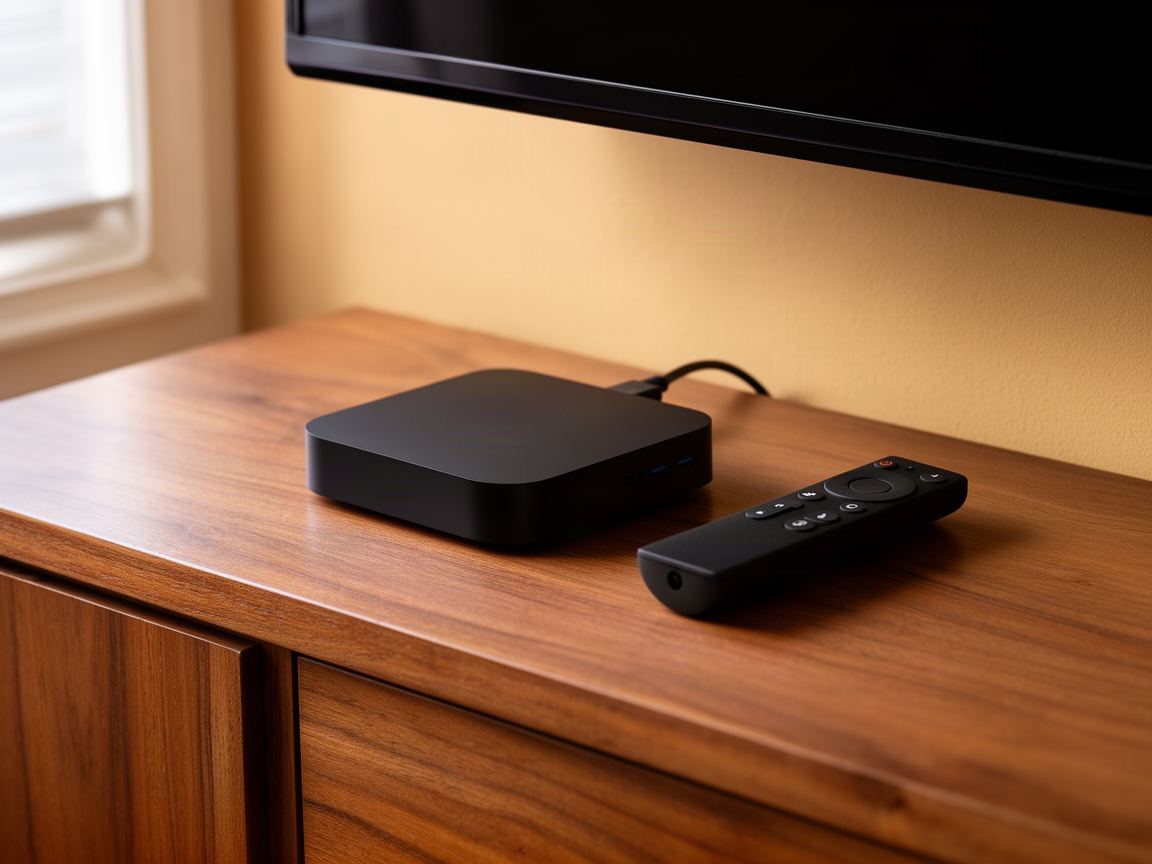
The basics
An IPTV box is a set-top device that connects to your television by HDMI and to the internet by Wi-Fi or cable, then plays live channels and films through an IPTV player. The box supplies the hardware only. The channels come from a separate subscription, which you sign in to with a login.
Often, yes. Most hardware sold for IPTV is an Android TV box with a player installed. The name describes the use, not a separate kind of device, and a MAG box is the main exception.
It is a box sold with apps already installed and a promise of channels for life. You cannot check who runs the service or how long it will last. Buy a plain box and choose the subscription yourself.
Five types
Five kinds of device are sold for IPTV: a streaming stick, an Android TV box, an Apple TV, a dedicated IPTV box with its own interface, and a MAG box. The first four run a player app. A MAG box has no apps and connects through a portal address instead, which changes how you order.
Type
How IPTV runs
Network port
Suits
Streaming stick
Player app
With an adapter
Most homes
Android TV box
Player app from Google Play
Usually built in
A wired main TV
Apple TV
Player app from the App Store
On the Ethernet model
Apple households
Dedicated IPTV set-top box
Its own built-in player
Built in
Heavy live TV viewers
MAG box
Portal address, no apps
Built in
People who already own one
Buying checklist
The best box for IPTV is the cheapest one that passes five checks: a network port, at least 2 GB of memory, 4K output with frame rate matching, an official operating system that still gets updates, and a remote you can use in the dark. Brand matters less than those five points.
01
A cable removes Wi-Fi from the list of things that can go wrong. If the router is in another room, a pair of powerline adapters still beats weak Wi-Fi.
02
A long channel list and a TV guide sit in memory while you watch. Boxes with 1 GB cope with HD but take longer to open the guide.
03
UK sport is broadcast at 50 frames per second. A box that matches the frame rate shows it without the judder you see on cheaper hardware.
04
Choose Android TV, Google TV, Fire OS or tvOS. Unbranded boxes running phone Android miss updates and their remotes fight the player.
05
Number keys and a guide button make live television feel like television. Try the remote in the shop if you can.
Head to head
For IPTV, a Firestick is the best value, a box gives the most stable connection, and a Smart TV app is the tidiest because there is nothing extra to plug in. All three play the same channels in the same quality from the same subscription. The difference is convenience and how your home network behaves.
Only on a wired connection or with a very large channel list. On good Wi-Fi the two are hard to tell apart, and the stick costs about half as much.
Usually not. A Samsung or LG television from the last few years installs a player from its own app store. A box is faster than the processor in most sets more than three years old, so add one only if the television feels slow.
Leaning towards a stick? The IPTV Firestick guide shows which model to buy and how to set it up.
Portal devices
A MAG box runs IPTV through a portal address, not a player app. Each box has a MAC address printed on a label underneath, and the service is linked to that address. Vivid TV supports MAG boxes: send your MAC address with your order and the portal address arrives by email with your login.
Open Settings, then System Settings, Servers, Portals. Type the address into Portal 1 URL, save, and restart the box. The channel list loads on the next start.
Only if you like its plain, fast menu. A MAG box runs nothing except IPTV, so a stick or an Android TV box is the more flexible buy for a first setup.
Four steps
Setup takes four steps: connect the box to the television and the internet, install an IPTV player from its app store, enter the login from your subscription email and wait for the channel list. On an app-based box the whole job takes about ten minutes. A MAG box skips the player and uses the portal address.
01
Plug in HDMI and power, then use a network cable if the router is close. Otherwise join the 5 GHz Wi-Fi band.
02
Install any system update the box offers before adding apps. An old version can hide newer players from the store.
03
Open the app store on the box, search for an IPTV player and install one made for televisions.
04
Type the details from your email, then leave the box alone for a few minutes while the channels and guide load.
The IPTV installation guide has the same steps written out for each device, and the IPTV player comparison helps you pick the app.
Budget
Hardware for IPTV costs between about £35 and £200 in the UK, depending on the type. Streaming sticks sit at the bottom of that range, Android TV boxes and MAG boxes in the middle, and premium boxes with more memory at the top. The price covers hardware only, so budget for the subscription separately.
A cheap stick from a known maker is fine. A cheap unbranded box is the false economy, because it rarely gets updates and often claims 4K it cannot play smoothly.
Add the hardware to the term you choose. A £60 stick with a 12-month Vivid TV plan at £49.99 comes to £109.99 for the first year, and £49.99 a year after that.
Questions
Short answers to the questions people ask before buying hardware. They cover whether one box can serve several televisions, what happens when you upgrade, how a box copes with 4K and whether you can travel with it. If your question is about a specific model, email us the model number.
No. A box feeds the television it is plugged into. A second television needs its own device, and the plan covers one connection at a time.
A plain box comes with none. The channels arrive when you sign in to a subscription inside the player.
Yes on app-based boxes: install the player and enter the same login. A new MAG box has a new MAC address, so email us to switch it.
No. Everything arrives over your internet connection, so the aerial socket stays empty.
If the box, the HDMI cable and the television all support 4K, and the connection holds 25 Mbps on the box.
Yes. It works on any connection fast enough for the stream, wherever you plug it in.
Whichever device you choose, it needs a login before it shows a single channel. Vivid TV plans run from 3 to 24 months from £24.99, with 34,000 live channels and 195,000 films and series in up to 4K. Your login is emailed within 10 minutes and works on every box in this guide.
See plans and prices