
IPTV Devices
Alternative to Firestick for IPTV: what to buy instead
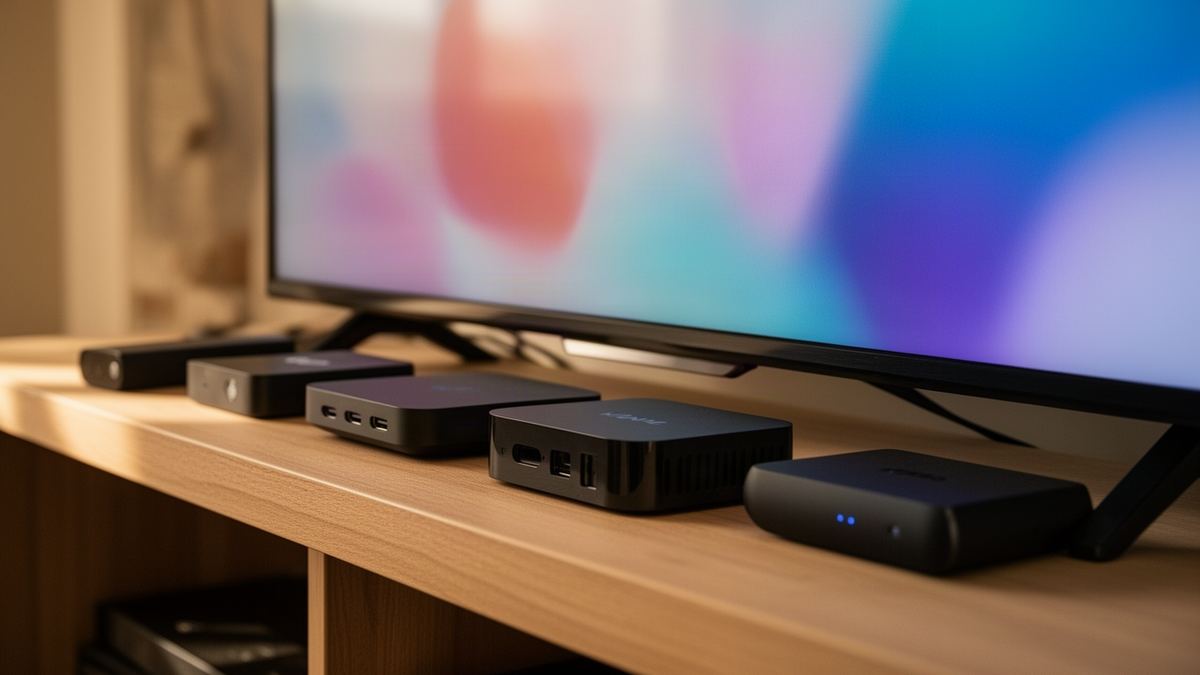
Short answer: The closest alternative to Firestick for IPTV is a Google TV stick or an Android TV box, because both run the same Android player apps from an app store. An Apple TV, a Smart TV app, a MAG box or a laptop on HDMI also work, each with a different trade-off between price and comfort.
For years the Fire TV Stick was the default answer. Cheap, and able to run almost any player. That last part is no longer true of every model on the shelf, which is why this question has started to appear.
Semrush counts about 30 UK searches a month for this exact phrase. A small number, but a recent one, and the people asking tend to be standing in a shop or halfway through an online basket.
Why look for an alternative to a Firestick?
The main reason is the operating system on newer models. Amazon’s developer documentation lists several recent Fire TV Sticks as running Vega OS instead of the Android-based Fire OS, and Android player apps do not install on Vega. Limited storage and a home screen filled with promoted content are the other two complaints that come up.
When I searched “alternative to firestick for iptv” in November 2026, the results were mostly seller blogs comparing a Firestick with an Android box, plus a couple of forum threads.
The software point matters most for IPTV. Amazon describes Fire OS as a fork of Android, which is why Android players have always worked on older sticks. Vega OS is a different system with its own app format, so a player has to be rebuilt for it and published in Amazon’s store before you can use it.
Storage is the quieter problem. A stick with a few gigabytes free fills up once a player has cached guide data and artwork, and a full stick is a slow stick. The home screen is a matter of taste: some people do not mind rows of recommendations, others want a plain grid of their own apps.
Which Fire TV Sticks run Vega OS and which run Fire OS?
Amazon’s device table, as I read it in November 2026, shows Vega OS on the Fire TV Stick 4K Select (2025), the Fire TV Stick HD (2026) and the Fire TV Stick 4K 3rd Gen (2026). The Fire TV Stick 4K 2nd Gen (2023) and the Fire TV Stick 4K Plus (2025) are listed on Fire OS 8.
You can check the table yourself in Amazon’s Fire OS overview for developers, which maps every Fire TV device to its software version. Model names in shops are easy to confuse, so match the exact name and year on the box against the table before paying.
If you already own a Fire OS stick, nothing has changed for you, and our guide to IPTV on a Firestick still applies. The question of alternatives is really for people buying new hardware, or replacing an old stick that has become slow.
What is the best alternative to Firestick for IPTV?
A Google TV stick is the best like-for-like replacement: a similar size and remote, with an app store that carries Android IPTV players. An Android TV box is better if you want Ethernet and more storage. The other four options suit specific situations, such as a household already using Apple devices.
| Device type | Runs Android player apps | Typical strength | Typical weakness |
|---|---|---|---|
| Google TV stick | Yes | Closest swap, small and simple | Limited storage on budget models |
| Android TV box | Yes | Ethernet port, more memory | Quality varies widely by brand |
| Apple TV | No, uses tvOS apps | Fast, long software support | Highest price of the six |
| Smart TV app | No, uses the TV’s own store | Nothing extra to buy | Depends on the TV’s age and brand |
| MAG box | No, uses a portal | Starts straight into the TV service | Tied to one provider at a time |
| Laptop on HDMI | No, uses desktop players | Free if you own one | No remote, laptop is occupied |
I have left prices out of the table on purpose. Hardware prices in the UK move weekly with promotions, and a figure printed here would be wrong within a month. Compare the current price on the maker’s or retailer’s page on the day you buy.
For a wider ranking that includes the Firestick itself, see the main guide to the best device for IPTV. This article only covers what to choose when you have decided against one.
Is a Google TV stick a good swap for a Firestick?
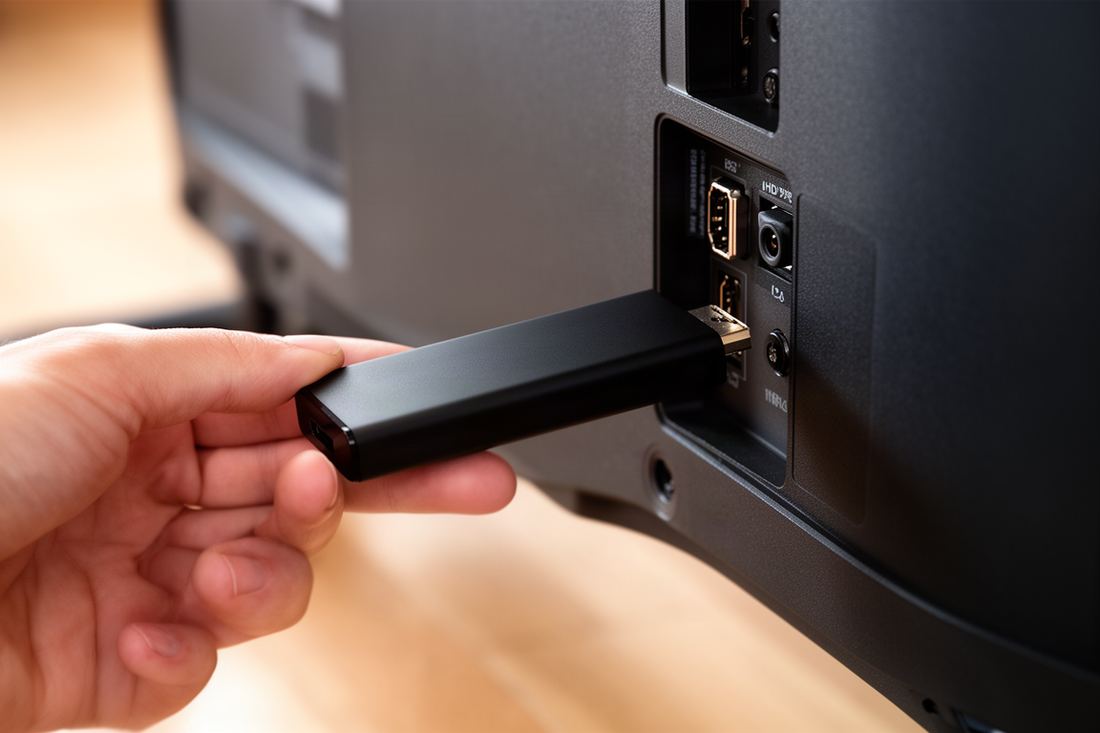
Yes. It plugs into HDMI the same way and installs IPTV players directly from its app store, so setup takes minutes. The interface is built around Google’s recommendations, and the cheaper models share the Firestick’s main limit: a small amount of storage that fills quickly.
Setup is the familiar routine. Sign in with a Google account, open the app store, search for an IPTV player such as TiviMate or IPTV Smarters Pro, and enter the login details from your email. There is no need for a downloader app or a change in developer settings for players that are listed in the store.
Check two specifications before buying: whether the model outputs 4K or only HD, and whether it supports Wi-Fi on the 5 GHz band. A 4K stream needs about 25 Mbps at the device, and the 2.4 GHz band in a busy street rarely delivers that reliably.
When is an Android TV box the better buy?
Choose a box when the television is far from the router or when several people use it daily. A box usually adds an Ethernet port, more memory, more storage and USB sockets. Those matter for IPTV because a wired connection removes Wi-Fi from the list of things that can go wrong.
The catch is quality. The category runs from well-supported boxes with certified software to anonymous imports that never receive an update. I would look for four things on the listing: certified Google TV or Android TV software, a named manufacturer with a support site, at least 2 GB of memory, and a recent Android version.
Wired speed is easy to verify. Plug the cable in, run a speed test app on the box, and compare the result with the 10 Mbps needed for HD and the 25 Mbps needed for 4K. If the wired number is fine and a channel still buffers, the device is not the cause.
Is an Apple TV worth it for IPTV?
It is, if you value speed and already use Apple devices. Apple TV runs tvOS, and IPTV players are installed from its App Store, so there is no sideloading. It costs more than any stick. In return you get a fast processor, an Ethernet port on some versions, and years of software updates.
The choice of players is narrower than on Android, though several well-made ones exist. TiviMate is not among them, so anyone attached to that app should stay with Android hardware. Most tvOS players accept the same login details as their Android equivalents, and some sync favourites with the iPhone version.
One practical advantage: AirPlay. A stream playing on an iPhone or Mac can be sent to the Apple TV with two taps, which is useful when a guest wants to show something from their own device.
Can a Smart TV app replace a Firestick?
Often, yes. Recent Samsung and LG televisions have IPTV players in their own app stores, so the cheapest alternative may be the television you already own. The limits are the age of the set and the smaller choice of apps, since Tizen and webOS do not run Android players.
Many Smart TV players use a different activation method from Android apps. The app shows a device code or MAC address on screen, and you add your login on the app maker’s website from a phone or laptop. Some charge a one-off activation fee per television. Our guide to the best IPTV app for a Samsung TV explains which model years qualify and how that activation works. Anyone comparing the best iptv in uk offers for a Smart TV should confirm first that the login works in Tizen and webOS store players as well as in Android apps.
An older Smart TV is a different story. Its app store may have stopped receiving new players, and its processor may struggle with a large channel list. In that case the television becomes a plain screen and one of the plug-in devices on this page does the work.
Who should choose a MAG box?
Choose a MAG box if you want a television service that behaves like a traditional set-top box. It starts straight into the provider’s menu, with a channel list and guide, and no app store in between. It suits a relative who wants to press one button and watch.
A MAG box does not use a username and password. The provider registers the box’s MAC address and sends a portal address, which you type into the box’s settings once. The steps are covered in the walkthrough of how a MAG box portal works. Vivid TV supports MAG boxes: the customer sends the MAC address with the order and receives the portal address by email.
The trade-off is flexibility. A stick can hold several player apps and switch between them, while a MAG box points at one portal at a time. Confirm MAG support before ordering from any provider, because some services do not provide a portal at all.
Can a laptop on HDMI do the job?
Yes, and it costs nothing if you already own one. Connect the laptop to the television with an HDMI cable, open an IPTV player or VLC, and play full screen. Picture quality is as good as any stick. The drawbacks are comfort and convenience, since there is no remote and the laptop is tied up.
It works best as a stopgap or for occasional viewing. A wireless keyboard with a trackpad makes it bearable from the sofa. Set the laptop so it does not sleep when the lid is closed and the charger is connected, or the picture will vanish ten minutes into a film.
For a household that watches every evening, a laptop becomes a nuisance quickly. Someone always needs it for something else.
What should you check before you buy?
Check the operating system first, then the connection, then storage. The single most useful question is whether the device runs the player app you intend to use. After that, confirm 5 GHz Wi-Fi or Ethernet, and enough free storage for the player and its guide data. The right alternative to Firestick for IPTV is the one that passes the first test.
A short checklist to take to the shop:
- Confirm the exact model name and which operating system it runs.
- Look up your chosen player in that device’s app store before paying.
- Check for an Ethernet port, or an adapter option, if the router is in another room.
- Compare storage, and prefer more than the minimum on offer.
- Read the return terms, in case the device does not suit your television.
Your subscription moves with you. A Vivid TV login works in every IPTV player app, so changing device means installing a player on the new hardware and typing the same details again. One connection allows one screen playing at a time, and the old stick can stay installed as a spare.
Frequently asked questions
What can I use instead of a Firestick for IPTV?
A Google TV stick or Android TV box is the closest replacement. An Apple TV, a Smart TV app, a MAG box or a laptop on HDMI also work.
Is an Android box better than a Firestick for IPTV?
It can be, mainly because many boxes have an Ethernet port and more storage. Quality varies, so choose certified software from a named manufacturer.
Do all new Fire TV Sticks run Android apps?
No. Amazon’s developer documentation lists some recent models on Vega OS, which does not run Android apps. Check the exact model before buying.
Can I use my Smart TV without any stick?
Often yes, if the television’s own app store offers an IPTV player. Recent Samsung and LG sets usually do, older ones may not.
Will my IPTV login work on a different device?
Yes. Install a player on the new device and enter the same login details. With one connection, only one screen can play at a time.
Is a Google TV stick as easy as a Firestick?
Yes. It plugs into HDMI with a similar remote and installs IPTV players from its own app store in a few minutes.