
IPTV Devices
MAG box IPTV: how the portal setup works
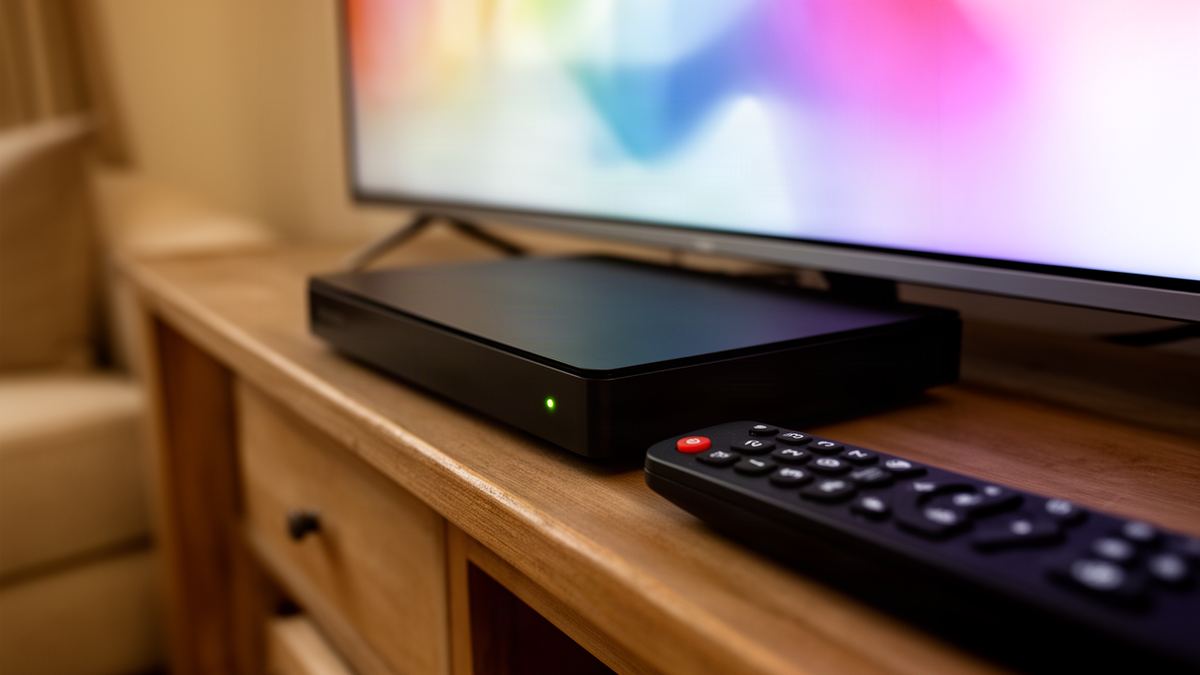
Short answer: MAG box IPTV works through a portal, not an app login. You give the provider the MAC address printed on the box, they send back a portal address, and you enter it under System settings, Servers, Portals. After a restart the box loads the provider’s menu directly.
That one difference explains most of the confusion around these boxes. People expect a username and password, find no field for either, and assume something is broken.
Semrush counts about 90 UK searches a month for this phrase. When I searched “mag box iptv” in November 2026, nearly every result was a provider’s setup page, and I found none that linked to the manufacturer’s own documentation. This article is built on that documentation instead.
What is a MAG box?
A MAG box is a set-top box made by Infomir, designed to connect a television to a TV service over the internet. Most models run a Linux-based system with a built-in menu called the embedded portal. It is not a general streaming stick: it is built to load one provider’s portal and behave like a traditional TV box.
The box ships with a remote and an HDMI output, and connects to your router by cable or by Wi-Fi, depending on the model. Switch it on without any configuration and you see Infomir’s own menu, with settings and a media player for USB drives. No channels. Those arrive only once a provider’s portal address has been entered.
Because the software is purpose-built, the experience is consistent. The channel list and the programme guide both sit inside the portal, and the remote’s number keys change channel the way an older viewer expects. That predictability is the main reason these boxes still sell.
How does MAG box IPTV differ from an app login?
An app login identifies you by username and password, typed into a player. A MAG box is identified by its hardware MAC address, which the provider registers on its server. The box then connects to a portal address and is recognised automatically. Nothing is typed except that one address.
| Point | MAG box with a portal | Player app with a login |
|---|---|---|
| What identifies you | The box’s MAC address | Username and password |
| What you enter | One portal address | Login details from your email |
| Where the menu comes from | The provider’s portal | The player app’s own design |
| Moving to a new device | Provider must register the new MAC | Type the same login again |
| Choice of interface | Fixed by the portal | Any player app you like |
| Other apps on the device | Very few on Linux models | Whatever the app store offers |
The practical effect is that a MAG subscription is tied to one physical box. Replace the box and the provider has to register the new MAC address. With an app login you simply sign in again somewhere else.
This is also why the two types of device suit different people. Our page on choosing an IPTV box sets out when a dedicated box makes more sense than a stick with apps.
Where do you find the MAC address on a MAG box?
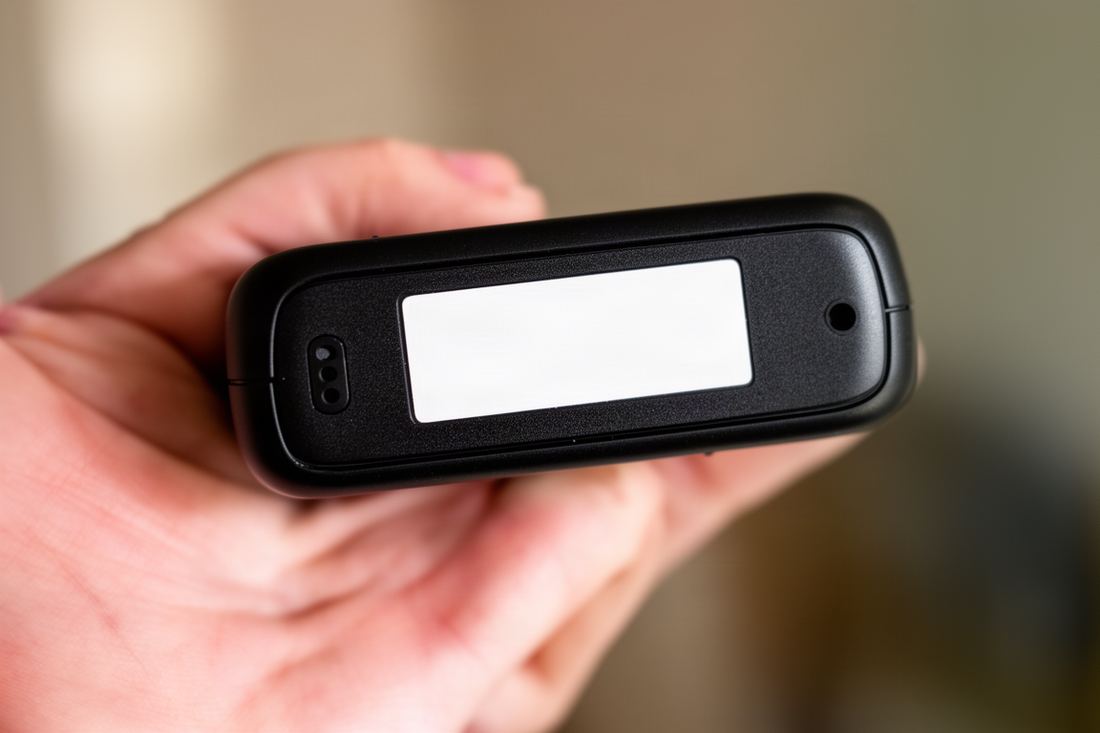
Look at the label on the underside of the box. The MAC address is printed there as six pairs of letters and numbers separated by colons, and the same code usually appears on a sticker on the retail carton. It is the only piece of information the provider needs from you.
Copy it carefully. A zero and a letter O look alike on a small label, as do a 1 and a capital I, though a MAC address only ever uses the digits 0 to 9 and the letters A to F. If a character falls outside that range you have misread it. Taking a photo of the label and zooming in is the easiest way to get it right.
One caution on second-hand boxes. A MAC address may still be registered with a previous owner’s provider, which does no harm, but the box may also have an old portal address saved. Clear it in the settings before entering a new one.
How do you enter a portal on a MAG box?
Open System settings from the box’s own menu, go to Servers, then Portals, and type the provider’s address into the URL field for Portal 1. Save, then restart the portal. Infomir’s documentation gives the path as System settings, Servers, Portals, and says that with a single portal set, it starts automatically.
Step by step:
- Connect the box to the television by HDMI and to the router, by Ethernet cable if you can.
- Switch the box on and wait for the embedded portal, which is Infomir’s own start menu.
- Open Settings, then System settings. Many remotes have a dedicated setup button that opens it directly.
- Choose Servers, then Portals.
- Type a label of your choice in the name field for Portal 1, for example “TV”.
- Type the portal address from your provider’s email into the URL field for Portal 1, character for character.
- Save the settings, go back to System settings, and choose Restart Portal.
The manufacturer’s page on loading an external portal documents the same path and fields. It also explains that the Portals section normally holds one or two portals. If you fill in both, the box asks which to load at each start instead of launching one automatically, so leave Portal 2 empty unless you need it.
What do you send when you order for a MAG box?
Send the MAC address, exactly as printed on the label, and say that the device is a MAG box. The provider registers that address and replies with a portal address. You do not need a username or password for the box, and you should not need to send anything else.
With Vivid TV the process is the one described above: the customer sends the box’s MAC address with the order and receives a portal address by email. Activation emails go out within 10 minutes of ordering. Support is by email only, so include the model number in your message if you have a question about a specific box.
Before ordering from any provider, confirm that it offers a portal at all. Some services issue app logins only. Anyone choosing an iptv uk subscription for a MAG box should ask that question first, since a login without a portal address is no use on a Linux-based MAG.
One limit applies whichever device you use: one connection means one screen playing at a time.
Which MAG models are sold today?
Infomir’s product pages, as I read them in November 2026, list the MAG544 and MAG540 as current Linux models, each with a “w3” version that adds built-in Wi-Fi on the 2.4 and 5 GHz bands. The MAG555 is different: it runs Google TV, so it behaves like an Android box with an app store.
| Model | System | Built-in Wi-Fi | Notes from Infomir’s listing |
|---|---|---|---|
| MAG544 | Linux 4.9 | No | 4K, 1 GB memory |
| MAG544w3 | Linux 4.9 | Yes, 2.4 and 5 GHz | 4K, 1 GB memory |
| MAG540 | Linux 4.9 | No | 4K, 1 GB memory |
| MAG540w3 | Linux 4.9 | Yes, 2.4 and 5 GHz | 4K, 1 GB memory |
| MAG555 | Google TV | Yes, 2.4 and 5 GHz | 4K, 2 GB memory, 16 GB storage |
The split matters when you set up. On the Linux models you follow the portal steps above. On a Google TV model you can also install a player app and use ordinary login details, which makes it closer to the devices in the guide to the best Android TV box for IPTV.
Older models such as the MAG254 and MAG322 are still widely used second-hand, and the portal menu path is the same on them. They top out at HD, so check the model before expecting 4K.
What do common MAG portal errors mean?
Most portal errors come down to a mistyped address or a MAC address that is not active on the provider’s side. Infomir’s documentation describes a “Page loading error” screen with a Try again option, shown when the box cannot open the portal address. A message such as “STB is blocked” points to the registration instead.
Work through the likely causes in order:
- Retype the portal address, checking for a missing slash or an extra space.
- Confirm the box is online by opening the network settings and checking for an IP address.
- Compare the MAC address you sent with the label, since one wrong character registers a different box.
- Restart the portal from System settings after any change, because edits do not apply until it reloads.
- Email the provider with the MAC address and the exact message if the error remains.
A useful detail from the same documentation: while the “Loading portal…” message is on screen, which lasts about 3 seconds by default, pressing Menu opens a “Select a portal for loading” window. System settings can be reached from there and from the error screen, so a wrong address never locks you out.
Slow loading is a separate matter. If the portal opens but channels buffer, test the connection: 10 Mbps for HD and 25 Mbps for 4K, measured at the box. A cable is the simplest fix on models without Wi-Fi.
Should you update MAG firmware?
Usually yes, when the box offers an update through its own settings menu and everything else is working. Updates fix playback faults and security problems. The exception is a box that a provider has supplied with custom software, where you should follow the provider’s instructions instead.
Take two precautions. Do not unplug the box during an update, because an interrupted write can leave it unable to start. And note your portal address on paper first, since a reset during the process may clear the saved settings. Re-entering one address takes a minute if you have it to hand.
If the box works well and no update is offered, leave it alone. A set-top box is not a phone. There is no benefit in hunting for firmware files on third-party sites, and a wrong file for the wrong model is the most common way these boxes get damaged.
Is a MAG box still worth buying in 2026?
It is worth it for one kind of household: people who want a single-purpose TV box with a simple remote and no app store. For anyone who wants several apps, or who may switch between player interfaces, a stick or an Android box is more flexible and usually costs less.
Arguments for MAG box IPTV: it starts quickly, the Linux models have very little that can go wrong, and wired Ethernet is standard. Arguments against: it depends on the provider’s portal for its whole interface, and it does not run the streaming apps a Smart TV or stick carries.
A middle route exists. Many televisions already have player apps in their own stores, as the article on the best IPTV app for a Samsung TV shows, and that costs nothing extra. For a side-by-side view of every device type, including sticks and consoles, the main guide to the best device for IPTV ranks them by use.
Frequently asked questions
How do I set up IPTV on a MAG box?
Send your provider the MAC address from the label, then enter the portal address they send under System settings, Servers, Portals, and restart the portal.
Where is the MAC address on a MAG box?
It is printed on the label on the underside of the box, and usually on the retail carton too, as six pairs of characters separated by colons.
Do I need a username and password for a MAG box?
No. Linux-based MAG boxes are recognised by their MAC address and connect through a portal address, so there is no login to type.
Why does my MAG box say page loading error?
The box could not open the portal address. Check the address for typing mistakes, confirm the box is online, then choose Try again.
Can I use a MAG box on Wi-Fi?
Only on models with built-in Wi-Fi, such as the versions with “w3” in the name, or with a compatible adapter. A cable is more reliable.
Can I use two portals on one MAG box?
Yes. The Portals section holds one or two by default, and with both filled in the box asks which to load at start-up.